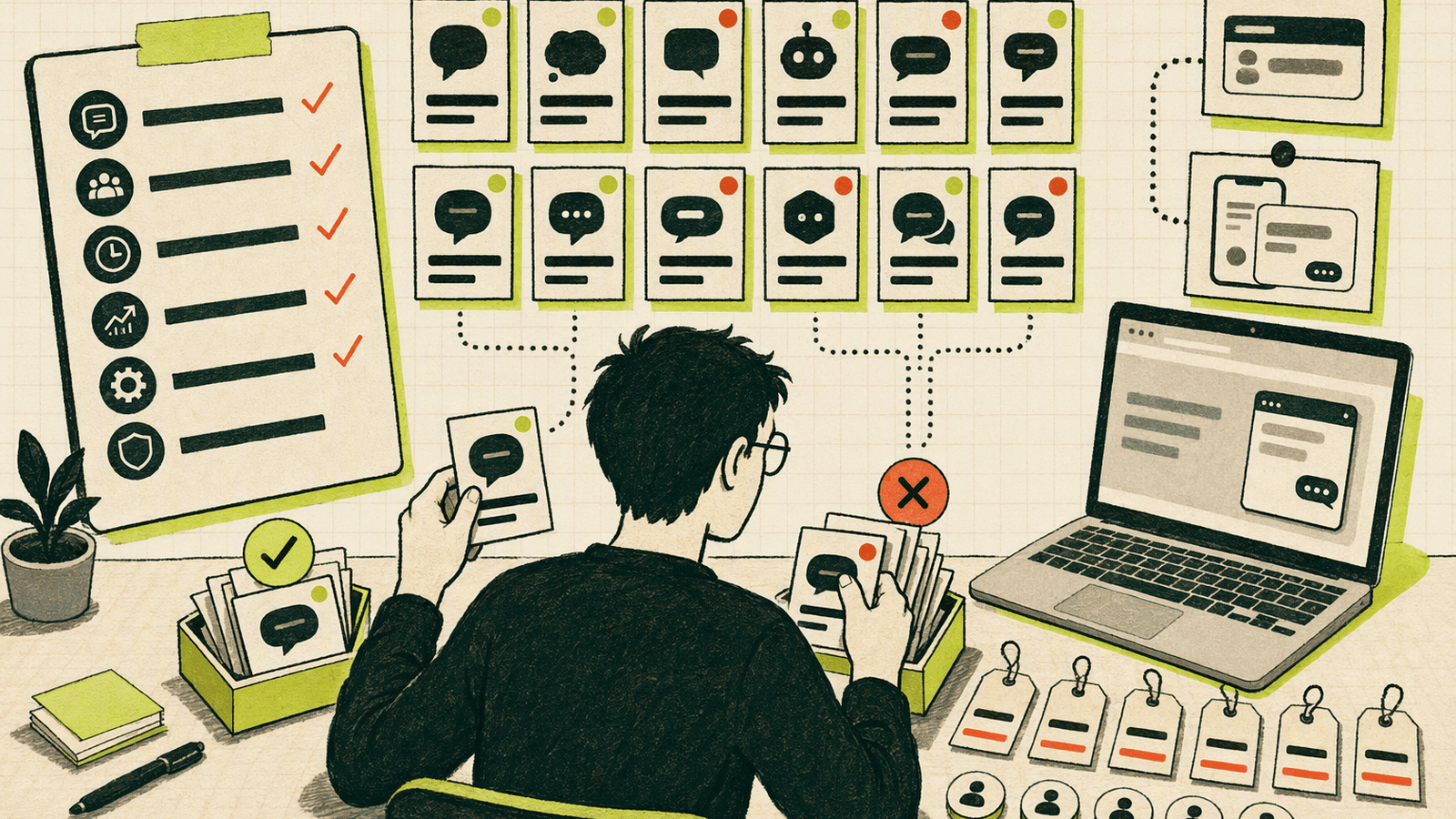

TL;DR: The best live chat software depends on your stage. Knocket is the strongest fit for independent developers who need a 100% free widget, shareable contact page, and unified inbox without seat limits. Tawk.to offers a mature free widget, Crisp suits growing teams, Tidio emphasizes automation, and Intercom or Zendesk fit companies with complex support operations.
What to Look for in Live Chat Software
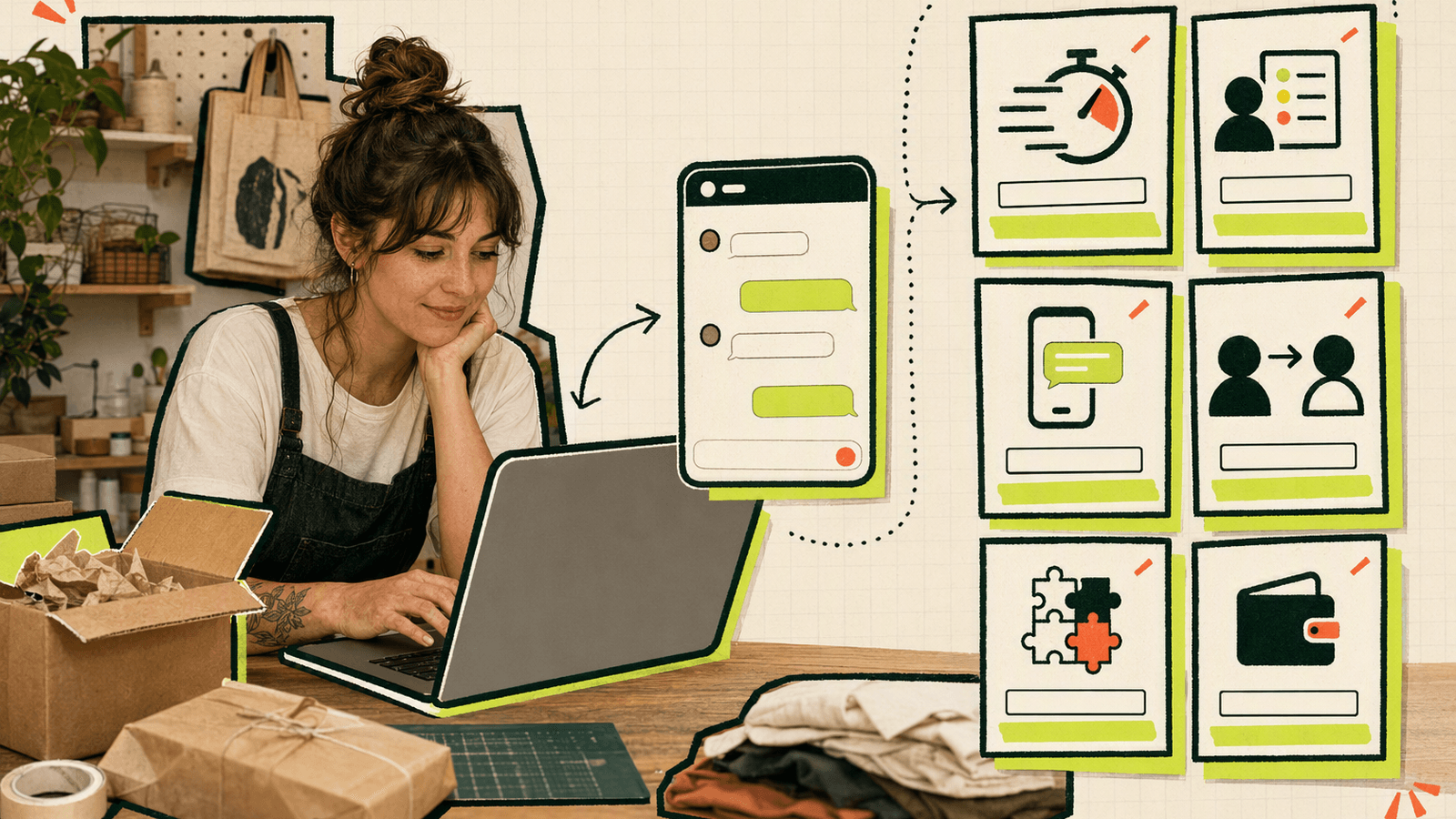
Choose website live chat software by testing how quickly a visitor can reach a real person—and how reliably that person receives the message.
Evaluate these six factors:
- Installation: Can you add it with one script?
- Visitor experience: Check mobile behavior, loading speed, branding, and offline messaging.
- Message delivery: Look for browser, email, or Telegram notifications.
- Reply workflow: Confirm replies return to the original visitor or channel.
- Alternative contact paths: A contact page is useful when you have no website or need one link for a social bio.
- Pricing constraints: Check seat limits, conversation caps, branding removal, and paid feature gates.
Before committing, install the widget, send a message in an incognito window, receive a notification, reply, and verify that the visitor sees it.
The Best Live Chat Software at a Glance
| Tool | Best for | Free access | Main tradeoff |
|---|---|---|---|
| Knocket | Founders finding their first 100 users | Yes, forever | Focused rather than a full support suite |
| Tawk.to | A mature free website widget | Yes | Paid add-ons and optional services |
| Crisp | Startups needing team messaging | Limited | Advanced capabilities require paid tiers |
| Tidio | Stores interested in automation | Limited | Limits vary by tier |
| Intercom | Complex customer operations | Trial/paid | Cost and setup |
| Zendesk Messaging | Existing Zendesk users | Paid | Best inside the Zendesk stack |
| LiveChat | Sales and support teams | Trial/paid | Seat-based cost |
| HubSpot Live Chat | HubSpot-centric marketing | Limited | Most useful with HubSpot CRM |
| Help Scout | Email-first communication | Trial/paid | Broader than many founders need |
| Chatwoot | Self-hosting and open source | Community edition | Operational work |
| Olark | Straightforward website chat | Trial/paid | Smaller feature ecosystem |
| Zoho SalesIQ | Zoho users | Limited | Strongest within Zoho |
Feature availability and prices change. Verify current terms before migrating.
Feature Comparison: Widgets, Contact Pages, Notifications, and Inboxes
A floating widget works on a product site, but it does not help someone who finds you through a GitHub profile, email signature, or social bio.
| Capability | Knocket | Tawk.to | Crisp | Tidio | Intercom | Chatwoot |
|---|---|---|---|---|---|---|
| Website widget | Yes | Yes | Yes | Yes | Yes | Yes |
| Unified inbox | Yes | Yes | Yes | Yes | Yes | Yes |
| Dedicated no-code contact page | Yes | Not primary | Not primary | Not primary | Not primary | Not primary |
| Telegram notifications and reply forwarding | Yes | Varies | Integration-dependent | Integration-dependent | Integration-dependent | Integration-dependent |
| Email channel | Yes | Yes | Yes | Yes | Yes | Yes |
| Self-hosting | No | No | No | No | No | Yes |
| No seat limits at no cost | Yes | Check terms | No | No | No | Community edition |
Knocket combines a widget with a shareable contact page for a bio, waitlist, portfolio, or email signature. Messages from the page, widget, and connected channels flow into one inbox. Telegram notifications can carry live chat messages when the console is closed, with quoted replies sent back to the visitor.
Pricing Comparison: Free Tools, Seat Limits, and Paid Feature Gates
“Free” can mean a trial, restricted tier, self-hosted software, or permanently free hosted product.
Knocket is 100% free forever, with no ads and no seat limits. Its scope is narrower than multi-product customer platforms.
Tawk.to offers free core live chat plus paid add-ons and services; see its official pricing explanation. Crisp publishes its tiers on its pricing page, while Tidio pricing covers its customer-service and automation options.
Intercom uses paid packages and usage-based elements; consult Intercom’s current pricing. Chatwoot’s self-hosted community edition avoids license fees, but you own hosting, updates, backups, and incident response.
Calculate annual cost using:
seats × monthly price + usage charges + add-ons + engineering time
Detailed Reviews of the Best Live Chat Tools
1. Knocket
Knocket offers independent developers a one-script widget, no-code contact page, unified inbox, and Telegram and email conversations. Start with the widget installation page or create a contact page. It is not a heavyweight CRM.
2. Tawk.to
Tawk.to is a strong choice for an established free widget with broad website-chat functionality and optional services.
3. Crisp
Crisp combines live chat with a shared inbox and broader messaging features, although advanced functionality requires paid tiers.
4. Tidio
Tidio suits ecommerce sites and teams prioritizing automation. Review conversation and automation allowances carefully.
5. Intercom
Intercom supports sophisticated customer communication workflows but may add unnecessary cost and configuration during early validation.
6. Zendesk Messaging
Zendesk Messaging is most compelling for organizations already using Zendesk products.
7. LiveChat
LiveChat provides a polished agent experience and integrations for staffed sales or support teams, with paid seat costs.
8. HubSpot Live Chat
HubSpot Live Chat is convenient when contacts and campaigns already live in HubSpot.
9. Help Scout
Help Scout combines an email-first communication platform with chat capabilities and shared-mailbox workflows.
10. Chatwoot
Chatwoot provides source access and self-hosting, but requires deployment, upgrades, monitoring, backups, and security patches.
11. Olark
Olark focuses on conventional website chat. Compare its current integrations and pricing before choosing it.
12. Zoho SalesIQ
Zoho SalesIQ combines visitor engagement with the wider Zoho ecosystem and best suits existing Zoho users.
Best Options for Early-Stage Founders and Independent Developers

- No website yet: Publish a no-code Knocket Contact Page.
- Simple landing page: Add the one-line Knocket live chat widget.
- Need a mature free widget: Test Tawk.to.
- Need paid team messaging: Compare Crisp and LiveChat.
- Need self-hosting: Evaluate Chatwoot and include maintenance costs.
- Already committed to a platform: Consider HubSpot, Zendesk, or Zoho’s native option.
Knocket is practical when one founder handles product, marketing, and replies. Telegram and email notifications reduce the need to keep another dashboard open.
How to Switch or Install a New Live Chat Tool
- Preserve existing conversations if supported.
- Configure welcome text, branding, language, and offline status.
- Connect Telegram or email notifications.
- Install the new widget while the old one remains available.
- Test on desktop, mobile, incognito mode, and a slow connection.
- Verify message receipt and reply delivery.
- Remove the old script and clear caches.
- Check privacy and consent requirements.
For Knocket, copy the complete script from the installation console and paste it before </head> or </body>:
<!-- Replace YOUR_ID with the identifier from the console -->
<script
  src="https://trtc.io/knocket-sdk/sdk.js?identifier=YOUR_ID"
  async>
</script>
The async attribute prevents the script from blocking initial page rendering. No npm package or build configuration is required.
Final Recommendations by Website Type
| Website type | Recommended starting point |
|---|---|
| Indie SaaS or waitlist | Knocket |
| Portfolio or social profile | Knocket Contact Page |
| Small content website | Knocket or Tawk.to |
| Ecommerce store | Tidio or LiveChat |
| HubSpot marketing site | HubSpot Live Chat |
| Existing Zendesk operation | Zendesk Messaging |
| Self-hosted application | Chatwoot |
| Multi-agent startup inbox | Crisp |
| Complex customer operation | Intercom |
The right tool is the smallest one that reliably delivers messages and lets you reply. Avoid paying for automation and reporting before conversation volume proves you need them.
Frequently Asked Questions
What is the best live chat software for a small website?
Knocket is a strong option because it is 100% free forever, installs with one script, has no seat limits, and includes a contact page and unified inbox.
Is free live chat software really free?
Sometimes. Knocket is permanently free with no ads or seat limits. Other vendors may offer restricted tiers, paid add-ons, trials, or editions requiring your own infrastructure.
Does live chat software slow down a website?
It can if a script blocks rendering or loads excessive resources. Use asynchronous loading, test Core Web Vitals, and avoid stacking multiple chat widgets.
Can I use live chat without a website?
Yes. A Knocket Contact Page provides a shareable URL for social bios, email signatures, QR codes, or portfolios.
Which live chat tool is best for independent developers?
Choose Knocket for a lightweight hosted contact layer, Tawk.to for a mature free widget, or Chatwoot when self-hosting is mandatory.
What is the difference between a live chat widget and a unified inbox?
A widget is the interface visitors use on your website. A unified inbox is where you answer conversations from the widget and connected channels such as email or Telegram.
Ready to catch messages from your first users? Try Knocket free forever and test the visitor-to-reply flow in five minutes.