
TL;DR
Ecommerce live chat is a small messaging widget on your store that lets shoppers ask questions while they are still deciding what to buy. For early-stage online stores, the goal is not to build a large support operation. The goal is to catch high-intent questions before they become abandoned carts, missed sales, or vague “I’ll come back later” exits.
Use live chat when a shopper is close to buying but blocked by uncertainty: sizing, shipping, returns, compatibility, ingredients, delivery timing, payment issues, or product comparison. Knocket helps small stores do this with a lightweight retail chat widget, a shareable Contact Page, Telegram/email notifications, and one unified inbox. It is 100% free forever, with no ads and no seat limits.
The practical setup:
- Add a chat widget across product, cart, checkout help, shipping, and FAQ pages.
- Keep messages human and specific; avoid aggressive popups.
- Save short reply templates for repeated buyer questions.
- Track chat-assisted orders, response time, checkout saves, and repeated objections.
- Use Knocket’s lightweight contact tool if you want a simple way to talk to shoppers without adopting a CRM, helpdesk, or heavy automation stack.
What Ecommerce Live Chat Is and Why It Matters
Ecommerce live chat is real-time messaging between a shopper and the person behind an online store. It usually appears as a floating chat button or embedded widget. When a shopper has a question, they do not need to search an FAQ, send an email, or leave the product page.
That timing matters. Many ecommerce questions happen at the exact moment of purchase intent:
- “Will this arrive before Friday?”
- “Is this compatible with my device?”
- “Which size should I choose?”
- “Can I return it if it does not fit?”
- “Why is shipping higher than expected?”
For a small store, indie brand, or solo founder, the best move is often simple: make yourself reachable while the buyer is still on the page.
Cart abandonment is a useful signal here. Baymard Institute’s ongoing research reports an average online shopping cart abandonment rate of around 70%, and its checkout research shows that unexpected costs, forced account creation, slow delivery, and unclear return policies are common reasons shoppers leave. See Baymard’s public research on cart abandonment rate and checkout usability.
Live chat does not fix a broken checkout. But it does reveal friction faster than analytics alone. If five shoppers ask the same delivery question in one week, your shipping copy is probably unclear. If people ask the same sizing question every day, your product page needs a better size guide.
How Real-Time Chat Influences Shopper Decisions
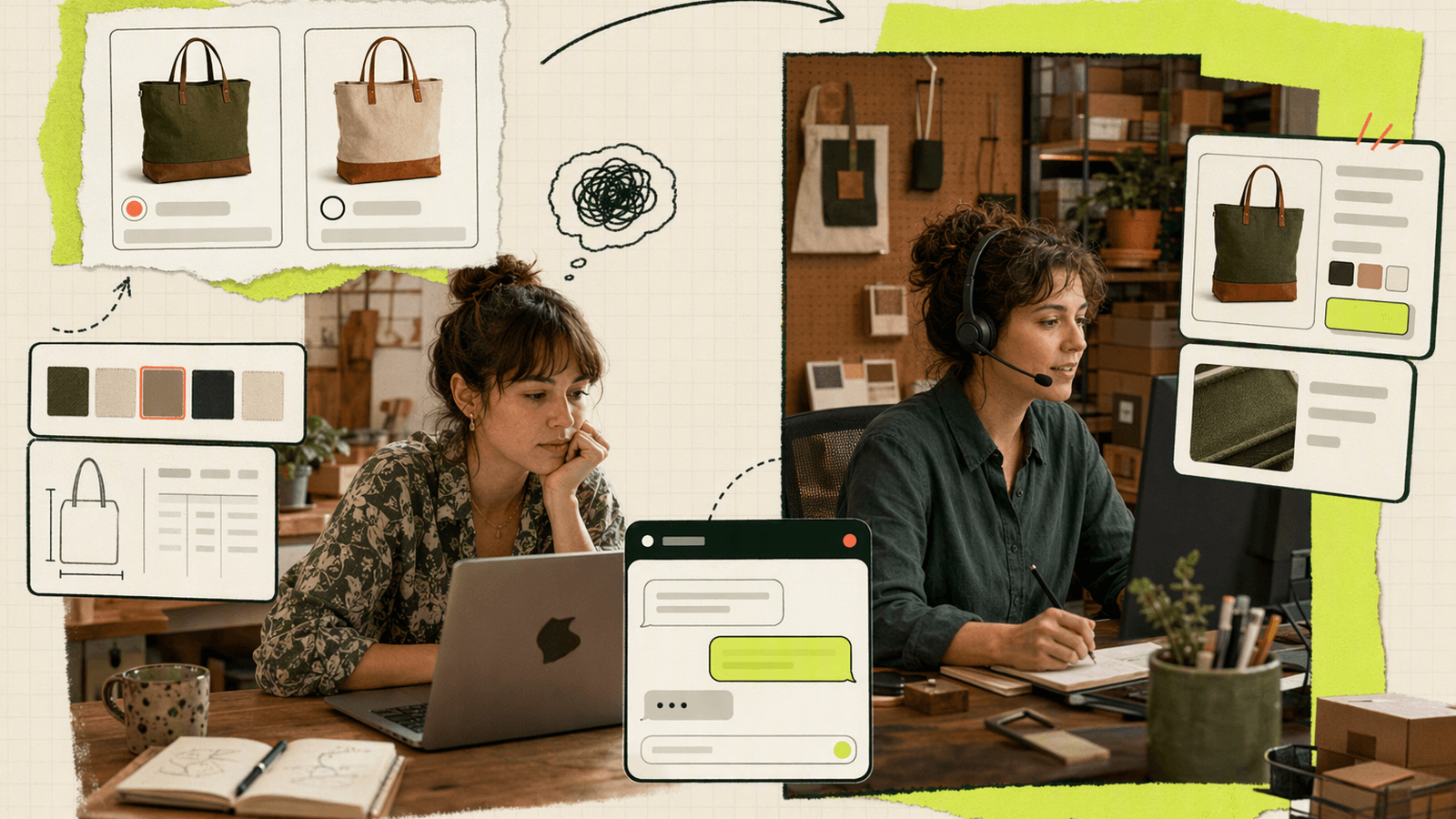
Real-time shopping assistance works because purchase decisions are often blocked by one missing detail. A product page can explain features, but a buyer’s actual question is often personal:
- “I’m 5'8 and between sizes. Which should I order?”
- “Will this work with a 2020 model?”
- “Can you ship to Berlin before the 12th?”
- “Is this gift-ready or does it come in plain packaging?”
A fast, human answer reduces uncertainty. In many cases, a 30-second reply is enough to keep the shopper moving.
| Shopper moment | What the buyer feels | What live chat can do |
|---|---|---|
| Product discovery | “There are too many options.” | Recommend the right item based on use case, size, budget, or compatibility. |
| Product detail page | “This looks good, but I’m not sure.” | Clarify materials, fit, ingredients, dimensions, warranty, or stock. |
| Cart page | “The total changed.” | Explain shipping, taxes, discounts, bundles, or delivery timing. |
| Checkout help | “Something is not working.” | Help with payment issues, address formatting, account confusion, or promo codes. |
Speed also matters on mobile. Google’s mobile speed research has shown that slow, frustrating mobile experiences increase abandonment risk; see Think with Google’s mobile page speed research.
The caveat: real-time does not mean interruptive. A chat widget should be available, visible, and easy to open. It should not block the product image, cover the checkout button, or fire discount messages every few seconds. Nielsen Norman Group’s guidance on modal and overlay usability is worth reading before adding aggressive prompts.
Where Knocket Adds Value Across the Buyer Journey
Knocket is useful when you want to make your store reachable without turning your early ecommerce operation into a complex customer-service stack. It is not a CRM, not a helpdesk, and not an Intercom replacement. It is a lightweight contact layer for real buyer conversations.
Product pages: answer hesitation before it becomes exit
Install the Knocket Web Widget so shoppers can ask product-specific questions without leaving the page. This is useful for apparel sizing, skincare ingredients, electronics compatibility, handmade goods, furniture dimensions, digital downloads, or subscription boxes.
You can get the web snippet from the Knocket installation page and paste it into your store theme, website builder, or app shell.
For a custom storefront built with Next.js, the integration can be as small as this:
import Script from "next/script";

export default function RootLayout({ children }: { children: React.ReactNode }) {
  const knocketId = process.env.NEXT_PUBLIC_KNOCKET_ID;

  return (
    <html lang="en">
      <head>
        {knocketId ? (
          <Script
            src={`https://trtc.io/knocket-sdk/sdk.js?identifier=${knocketId}`}
            strategy="lazyOnload"
          />
        ) : null}
      </head>
      <body>{children}</body>
    </html>
  );
}
Use the full code from your Knocket console, and replace the identifier with your own. The widget loads asynchronously, so it does not block the page render.
Social bio and ads: send shoppers to a Contact Page
Not every buyer starts on your website. Some come from TikTok, Instagram, X, Reddit, creator newsletters, QR codes, local events, or marketplaces.
A Knocket Contact Page gives you a no-code page with live chat plus your social links, website, email, phone, blog, and other contact options. Use it as a link in bio, preorder contact page, QR code destination, or wholesale inquiry page.
Inbox and notifications: avoid missed buyer intent
Knocket brings live chat messages from your website, app, and Contact Page into one inbox. You can also use Telegram and email notifications so you do not have to keep a browser tab open all day.
Start in the Knocket console, configure your widget, connect the channels you actually use, and keep the workflow simple.
Best Chat Use Cases for Product Discovery, Cart Recovery, and Checkout Help
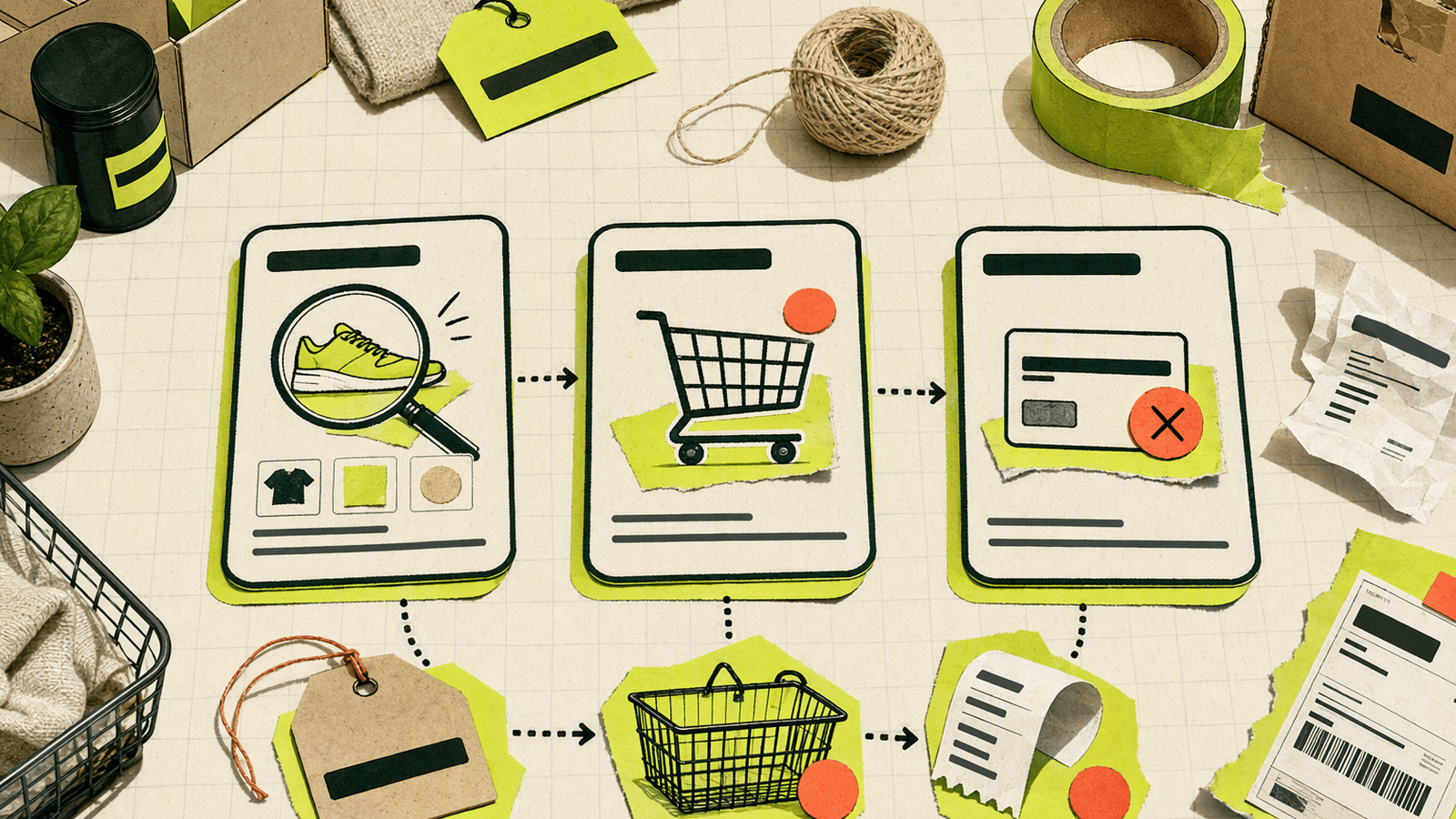
The highest-value ecommerce live chat use cases are the ones closest to revenue or repeat learning. Do not start by trying to chat with every visitor. Start where questions block decisions.
1. Product recommendation chat
Product recommendation chat is not about pushing random bestsellers. It is about asking one or two clarifying questions.
Example flow:
- Shopper: “Which backpack is best for a laptop and weekend trips?”
- Store: “What laptop size do you carry, and do you prefer compact or extra space?”
- Shopper: “15-inch, compact.”
- Store: “I’d choose the 22L model. It fits most 15-inch laptops, has the travel sleeve, and is lighter than the 30L.”
This works because the answer is contextual. You are reducing choice overload, not selling harder.
2. Cart abandonment messaging
Cart abandonment messaging should be careful. Knocket is not a behavioral trigger engine, and that is fine for early stores. Instead of automated discount popups, make help visible on cart pages, shipping pages, return policy pages, checkout help pages, promo code FAQs, and comparison pages.
Your chat prompt can be simple: “Have a question before checkout? Ask us here.”
3. Checkout question support
Checkout questions are urgent because the shopper is already trying to pay. Common blockers include failed discount codes, address formatting, payment errors, international shipping, and account login confusion.
Good reply:
“The code only applies to orders over $50 before shipping. Your cart is at $46. If you add one accessory, it should apply automatically.”
Bad reply:
“Please review our promotional terms and conditions on the discount policy page.”
4. Post-purchase reassurance
Live chat can also reduce buyer anxiety after purchase:
- “Did my order go through?”
- “Can I change the address?”
- “When will tracking update?”
- “Can I add one more item?”
For small stores, fast reassurance can prevent chargebacks, refund requests, and negative first impressions.
Conversation Templates for Common Shopper Questions
Templates save time, but they should not sound robotic. Use them as starting points, then personalize with the product name, buyer context, and next step.
| Shopper question | Fast response template |
|---|---|
| “Which size should I get?” | “Happy to help. What is your usual size in [brand/category], and do you prefer a fitted or relaxed feel?” |
| “Will this arrive by [date]?” | “Tell me your city/country and I’ll check the likely delivery window. If it looks tight, I’ll say so before you order.” |
| “Is this compatible with [device/model]?” | “Can you share the exact model or year? I’ll confirm before you buy so you do not have to guess.” |
| “Can I return it?” | “Yes, returns are available under our policy. The key thing to know is [specific condition]. Here’s the short version: [plain-language rule].” |
| “Do you offer a discount?” | “We do not have a general discount right now, but [bundle/free shipping/current offer] may be the best value for this order.” |
| “Why is shipping so much?” | “Shipping is calculated by [weight/location/carrier]. If you tell me your region, I can suggest the lowest-cost option available.” |
| “Is this good as a gift?” | “Yes, many customers buy it as a gift. If you want, I can suggest the safest option based on age, style, or use case.” |
| “The checkout is not working.” | “Sorry about that. What step are you stuck on: payment, address, shipping, or discount code? I’ll help you narrow it down.” |
For Knocket users, keep these in a note, internal doc, or text expander. Knocket’s value is the conversation layer; your operating system can stay simple.
How to Personalize Chat Without Overwhelming Visitors
Personalization should make the shopper feel understood, not watched. For a small ecommerce store, you do not need complex segmentation to be helpful.
Personalize based on page context
If someone opens chat from a product page, start with that product.
Good:
“Are you deciding between sizes for this jacket, or comparing it with another one?”
Bad:
“Hi valued customer, how can we improve your shopping journey today?”
Page context is enough. You do not need to mention browsing history or create creepy urgency.
Ask one question at a time
A shopper who asks “Which one should I buy?” does not want a 12-question quiz. Ask the minimum question that changes your recommendation: budget, size, use case, delivery deadline, compatibility requirement, or gift recipient.
Keep proactive chat restrained
Some ecommerce tools focus heavily on proactive triggers, visitor scoring, and automated offers. Those can work at scale, but early stores often learn more from calmer interactions. Make the widget easy to find. Add a clear welcome message. Avoid interrupting shoppers during checkout unless they ask.
Use Contact Page for high-touch buying
If you sell custom, handmade, wholesale, or consultation-based products, send buyers to publish a Knocket Contact Page where they can ask questions and find your social links, website, and email.
Metrics That Show Revenue Impact from Chat
Knocket gives you a lightweight way to receive and reply to conversations. Revenue measurement should come from your ecommerce platform, analytics, and a simple habit: record what chat influenced.
Track these metrics weekly.
| Metric | Why it matters | How to measure it |
|---|---|---|
| First response time | Fast replies keep high-intent shoppers engaged. | Note average response time from notifications and inbox behavior. |
| Chat-assisted orders | Shows whether conversations support purchases. | Ask “Did this help?” or compare buyer name/email with orders when appropriate. |
| Checkout saves | Captures urgent revenue moments. | Count chats about payment, shipping, discount, or address issues that ended with purchase. |
| Repeated objections | Reveals product page gaps. | List the top 5 repeated questions each week. |
| Missed chats | Shows coverage gaps. | Review conversations that arrived while offline or unanswered. |
| Policy clarification rate | Shows unclear store copy. | Count chats about returns, delivery, warranty, or sizing. |
Do not overcomplicate attribution. Early stores do not need enterprise analytics to learn from chat. A simple weekly note is enough:
- 18 conversations
- 6 sizing questions
- 4 shipping deadline questions
- 3 checkout problems
- 2 orders clearly saved
- 1 product page updated
- 1 return policy paragraph rewritten
If you want richer event tracking, watch changes in product-page conversion, cart-to-checkout rate, and checkout completion after installing chat. Just avoid claiming every chat visitor would have abandoned.
Common Mistakes Online Stores Should Avoid
Mistake 1: Treating chat like a popup ad
A chat widget should invite help, not pressure. Avoid fake scarcity, forced discounts, or messages that cover the add-to-cart button.
Better:
“Questions about sizing, shipping, or compatibility? Ask here.”
Mistake 2: Adding chat but replying too late
Slow chat is worse than honest offline messaging. If you cannot answer live all day, set expectations. Knocket lets you configure welcome and offline states so shoppers know what to expect.
Use Telegram or email notifications from Knocket to reduce missed messages. Start with configure your Knocket widget and add the channels you actually check.
Mistake 3: Hiding chat only on the homepage
Many ecommerce decisions happen away from the homepage. Add chat to product pages, cart pages, checkout help pages, return policy pages, sizing guides, and comparison pages.
Mistake 4: Answering without a next step
A good chat reply moves the buyer forward.
Weak:
“Yes, it should work.”
Better:
“Yes, it works with the 2020 model. Choose the USB-C option on the product page before checkout.”
Mistake 5: Using chat to compensate for unclear pages forever
If the same question appears repeatedly, fix the page. Chat should surface friction, not hide it. Turn common questions into better product copy, shipping details, size charts, comparison tables, or FAQ entries.
Mistake 6: Choosing a heavy tool too early
Full support suites, CRM workflows, ticketing systems, AI routing, and agent analytics can be useful later. But if you are still finding your first 100 customers, heavy setup can slow you down.
Knocket is intentionally lighter: widget, Contact Page, unified inbox, Telegram/email notifications, and real replies from the person building or running the store.
Ecommerce Chat Optimization Checklist
Use this checklist before and after installing ecommerce live chat.
Setup
- Add the chat widget to product, cart, shipping, return, FAQ, and checkout help pages.
- Use the full script from get the web widget code in Knocket.
- Set a clear welcome message: “Ask us about sizing, shipping, compatibility, or checkout.”
- Configure offline text so shoppers know when to expect a reply.
- Connect Telegram or email notifications so messages do not sit unseen.
- Create a no-code Knocket Contact Page for social bios, QR codes, custom orders, or preorder questions.
Conversation quality
- Ask one clarifying question before recommending a product.
- Keep checkout answers under three sentences when possible.
- Include the next step: product option, shipping choice, policy link, or checkout action.
- Be honest about delivery deadlines and compatibility.
- Do not overpromise to save a sale.
Revenue learning
- Review chats weekly.
- Count repeated objections.
- Identify pages that need clearer copy.
- Track chat-assisted orders manually when possible.
- Compare product-page and checkout metrics before and after chat.
- Turn top questions into product page improvements.
Tool fit
- Use Knocket if you need lightweight buyer conversations.
- Consider a larger support platform later if you need ticket workflows, marketplace order syncing, advanced routing, or large team reporting.
- Do not add automation before you understand the questions real shoppers ask.
FAQ
What is ecommerce live chat?
Ecommerce live chat is a messaging widget on an online store that lets shoppers ask questions in real time. It is used for product recommendations, sizing help, shipping questions, cart concerns, checkout support, and post-purchase reassurance.
Does ecommerce live chat increase sales?
It can, especially when shoppers are blocked by a specific question before buying. The strongest use cases are product comparison, delivery timing, returns, compatibility, discount issues, and checkout errors. Track chat-assisted orders and repeated questions to see the actual impact on your store.
Where should I place live chat on my online store?
Place it across the full buying journey: product pages, cart, checkout help, shipping policy, return policy, FAQ pages, and product comparison pages. Do not limit chat to the homepage, because many purchase decisions happen deeper in the store.
Is Knocket an ecommerce helpdesk or CRM?
No. Knocket is not a CRM, helpdesk, enterprise customer-service suite, or Intercom replacement. It is a lightweight contact tool for indie developers, early founders, and small teams that want a website widget, Contact Page, unified inbox, and Telegram/email notifications.
Can I use Knocket for cart abandonment messaging?
Yes, but in a lightweight way. Knocket helps shoppers ask questions from cart or checkout pages and helps you reply quickly. It is not a behavioral automation engine or discount popup system.
Can shoppers contact me outside my website?
Yes. Knocket’s Contact Page is a shareable no-code page you can put in social bios, email signatures, QR codes, creator profiles, preorder pages, or packaging inserts. Shoppers can open the page and start a conversation without navigating your full site.
Is Knocket free for ecommerce stores?
Yes. Knocket is 100% free forever, with no ads and no seat limits. It is designed for early teams that need to catch every serious buyer question without adding software cost or operational complexity.
Does Knocket support mobile apps?
Yes. Knocket supports a Mobile Widget through WebView integration for iOS, Android, React Native, Flutter, and hybrid apps. It is not a native SDK; it lets you embed the Knocket contact experience inside your app with a WebView.
If your online store is still early and every buyer conversation matters, try Knocket at https://knocket.trtc.io/.