
TL;DR
A live chat for ecommerce website owners works best when it answers buying questions at the moment of hesitation: product fit, shipping, returns, sizing, compatibility, discount confusion, and checkout friction. For small online stores, Knocket is a lightweight way to add an online shop chat widget with one async script, route replies into a unified inbox, and receive Telegram or email notifications without buying a full support stack.
Use chat on five high-intent areas:
| Store area | Best chat use | Avoid |
|---|---|---|
| Homepage | Help visitors find the right category | Blocking the page with aggressive popups |
| Collection pages | Clarify filters, availability, bundles | Generic “How can I help?” spam |
| Product pages | Answer fit, specs, shipping, returns | Promising details you cannot verify |
| Cart | Resolve coupon, shipping, and payment doubts | Offering discounts too early |
| Checkout | Help with final friction | Interrupting payment flow |
Knocket is 100% free forever, with no ads and no seat limits. Start with the Knocket website chat widget, get your script from the Knocket installation console, and use a no-code Knocket Contact Page for Instagram bios, order inserts, QR codes, and post-purchase contact links.
Why Online Stores Need Real-Time Website Conversations
Ecommerce pages present products well; they are worse at handling doubt. A shopper may like a product but still need one answer before buying: “Will this arrive by Friday?”, “Does this fit a 13-inch laptop?”, “Can I use two gift cards?”, or “Why did shipping jump at checkout?”
That is the real job of website sales chat. It keeps real-time buyer conversations close to the moment where the shopper is already making a decision.
Industry research supports the size of this problem. Baymard Institute’s cart abandonment research reports an average documented online shopping cart abandonment rate around 70%, based on aggregated studies. The exact rate varies by store, device, and category, but the direction is clear: many shoppers leave after showing buying intent. See Baymard’s cart abandonment benchmark at Baymard Institute.
For an early-stage ecommerce founder, the practical takeaway is simple: you do not need enterprise automation first. You need a visible, low-friction way for a serious shopper to ask a question and get a human reply.
Knocket fits that early store stage. Add one script, customize the widget, and manage messages from the Knocket console inbox. If you also sell through social profiles, publish a Knocket Contact Page and place the link anywhere shoppers already find you.
How Shopper Questions Affect Revenue and Trust
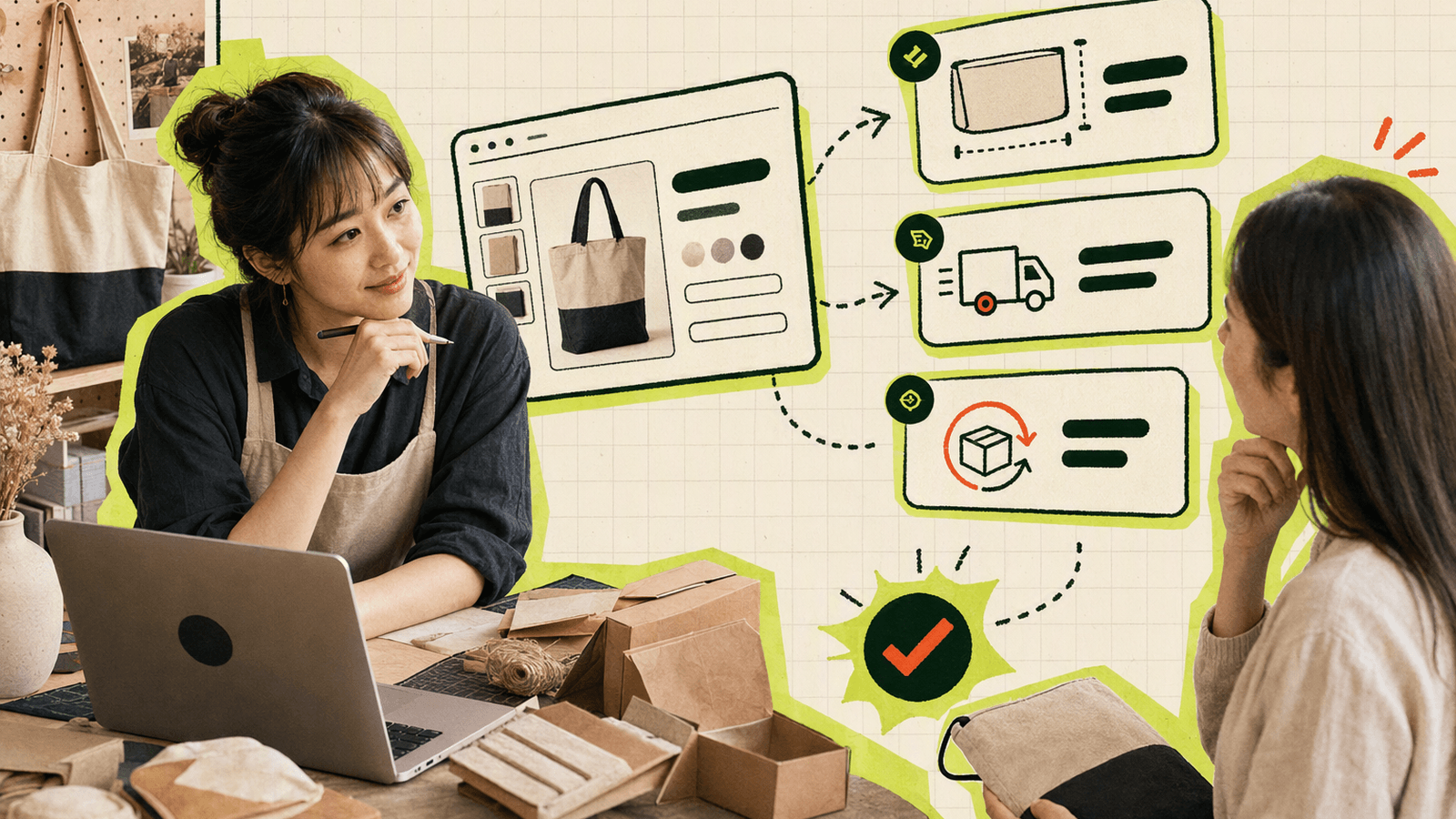
Shopper questions usually fall into five revenue-sensitive categories:
| Question type | Example | Why it matters |
|---|---|---|
| Product confidence | “Is this waterproof or water-resistant?” | Reduces mismatch and return risk |
| Fit or compatibility | “Will this work with my camera model?” | Prevents wrong purchases |
| Delivery timing | “Can I get this before Saturday?” | Converts urgent buyers |
| Price and promotion | “Why is my coupon not applying?” | Prevents checkout frustration |
| Trust and policy | “Can I return it if it does not fit?” | Lowers perceived risk |
The National Retail Federation has repeatedly reported that returns are a major operational and margin issue for retailers; verify current data from the National Retail Federation research hub. For small stores, fewer confused purchases can matter as much as more purchases.
Live chat helps when it prevents the wrong order, not only when it pushes a sale. A buyer who gets an honest answer may choose a cheaper but better-fitting product, wait for a restock, or avoid a product that would have been returned. That builds trust.
Competitor pages such as Zoho SalesIQ and LiveChat emphasize visitor insight, proactive chat, automation, mobile messaging, and revenue impact. Those are useful categories, but a small store should be careful not to overbuild.
Where to Use Knocket on an Online Storefront
Knocket gives ecommerce website owners three practical contact surfaces:
- Web Widget — a floating live chat widget embedded on the storefront.
- Contact Page — a shareable page with live chat plus social, email, website, phone, or blog links.
- Unified Inbox — one place to manage conversations from live chat and connected channels such as Telegram and email.
The Web Widget is the default for product and checkout support. The Contact Page is useful outside the storefront. Put it in:
- Instagram, TikTok, or X profile bios
- Email signatures
- QR codes in packaging
- “Ask before ordering” links
- Wholesale or custom-order pages
- Post-purchase follow-up messages
The unified inbox keeps small teams sane. Instead of checking your storefront, inbox, Telegram, and email separately, Knocket brings supported channels into one message view. When notifications are enabled, Telegram can receive live chat messages and support quote-forward replies, so you can answer a shopper without opening the console.
To install the website widget, copy your full code from the Knocket installation page. The basic pattern looks like this:
<!-- Paste before </head> or </body>. Replace YOUR_ID with your console identifier. -->
<script
  src="https://trtc.io/knocket-sdk/sdk.js?identifier=YOUR_ID"
  async>
</script>
Use async so the widget script does not block page rendering. You do not need npm, a build step, or a complex ecommerce integration.
Best Pages for Chat: Homepage, Collection, Product, Cart, and Checkout
Do not treat every page the same. The best online shop chat widget strategy changes with shopper intent.
Homepage
Homepage visitors are often orienting. The best prompt is directional, not salesy.
Good uses:
- “Looking for a gift, replacement part, or custom order?”
- “Tell us what you need and we’ll point you to the right section.”
- “Need help choosing between collections?”
Avoid interrupting first-time visitors immediately.
Collection pages
Collection pages are where shoppers compare. Chat should help with filtering and narrowing.
Useful questions to answer:
- “Which items are in stock?”
- “What is best for beginners?”
- “Which bundle saves more?”
- “Do these differ by material or only color?”
Product pages
Product page messaging is the highest-value ecommerce chat use case. The visitor is considering a specific item.
Prioritize answers about:
- Sizing and fit
- Materials
- Compatibility
- Care instructions
- Shipping time
- Return policy
- Variants and restocks
If you have many products, create a simple internal note for your team: top objections, exact specs, return exceptions, and shipping cutoffs.
Cart
Cart chat should remove friction, not restart the sale. Common cart problems include coupon errors, shipping surprises, gift card issues, and uncertainty about delivery timing.
A cart message should be short:
“Need help with shipping, discount codes, or delivery timing before you order?”
Checkout
Checkout support widget behavior must be careful. Do not distract the buyer during payment. Make chat available for payment, address, delivery, tax, shipping, and trust questions, but avoid aggressive prompts.
If your platform restricts custom scripts on checkout pages, use chat on cart and order-status pages instead.
Message Templates That Help Visitors Buy with Confidence
The best chat templates sound like a helpful store owner, not a chatbot script. Knocket is built for real communication, so keep the wording specific and human.
| Situation | Template |
|---|---|
| Product fit | “Not sure which size or version fits? Send me what you’re using it for and I’ll help you choose.” |
| Gift purchase | “Buying this as a gift? Tell me the occasion and deadline, and I’ll suggest the safest option.” |
| Shipping deadline | “Need it by a specific date? Send your city or ZIP/postal code and I’ll check the best option.” |
| Cart issue | “Having trouble with shipping or a discount code? Send a screenshot-free description and I’ll help.” |
| Return concern | “Want to confirm the return policy before ordering? Ask here before you checkout.” |
| Custom order | “Need a custom color, size, or quantity? Message me before ordering and I’ll confirm what’s possible.” |
| Out of stock | “Looking for a sold-out item? Ask here and I’ll tell you the closest alternative or restock status.” |
Two rules keep templates effective:
- Ask for the minimum information needed. Do not request order numbers before purchase.
- Do not overpromise. If you cannot guarantee delivery, say what you can verify: carrier cutoff, handling time, or typical range.
Configure your widget color, greeting, avatar, language, and offline state in the Knocket console. For off-site shoppers, publish a shareable Knocket Contact Page with the same voice and links.
How to Reduce Abandoned Carts with Timely Support
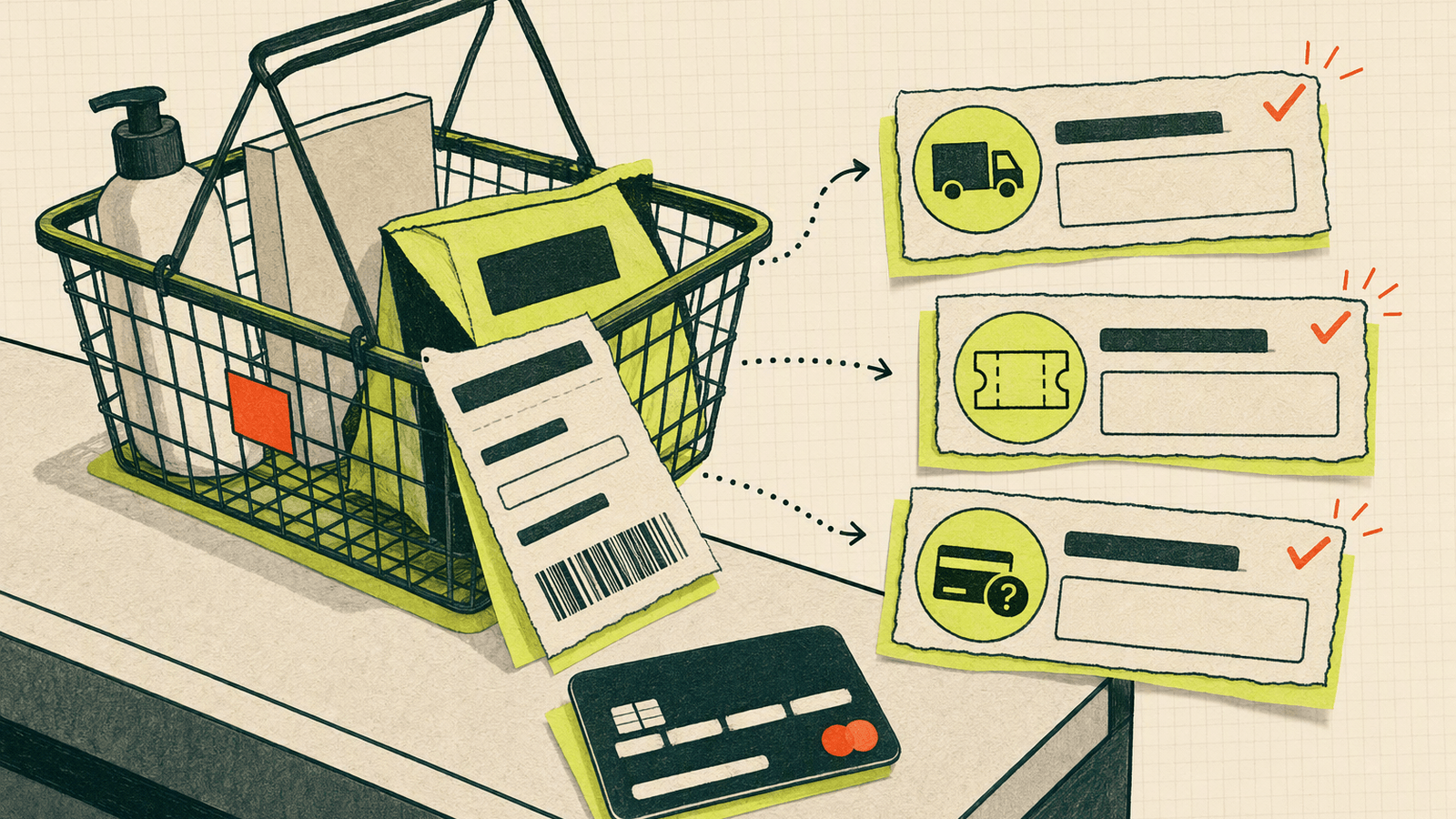
Cart abandonment is not one problem. It is a cluster of unresolved objections. The best shopping cart assistance starts before the cart, continues at cart, and stays available after the shopper leaves.
Baymard’s checkout research highlights common checkout friction such as unexpected costs, account creation, delivery concerns, payment trust, and complex checkout flows. Review Baymard’s checkout UX research at Baymard checkout usability for deeper benchmarks and examples.
A small ecommerce team can act on this without complex tracking:
1. List your top five pre-purchase doubts
Pull these from emails, social DMs, reviews, and returns. For example:
- “Will it fit?”
- “How fast do you ship?”
- “Is the color accurate?”
- “Can I return sale items?”
- “Does this work internationally?”
2. Place answers near decisions
Add core answers to product pages, FAQ blocks, and shipping pages. Then use Knocket for questions that remain ambiguous.
3. Make chat visible on cart
A visible chat button on cart catches buyers at the point of hesitation. If the shopper asks about shipping cost, discount codes, or delivery, answer directly and update your page later if the question repeats.
4. Use Telegram notifications for speed
If you are a solo founder, you may not sit in the dashboard all day. Enable Telegram or email notifications so live chat messages reach you where you already work. With Telegram forwarding replies, you can respond from mobile and send the answer back to the shopper.
5. Learn from unanswered questions
Missed chats are still useful. If three shoppers ask the same question while you are offline, that is a product page improvement waiting to happen.
Knocket will not fix confusing pricing, slow shipping, or weak product photography. It helps you notice those issues faster because shoppers can tell you exactly where they are stuck.
How to Manage Store Chat with a Small Team
A founder-run store cannot promise 24/7 instant support. That is fine. Set honest expectations and create a lightweight operating rhythm.
Define response windows
Use your offline message to say when you usually reply:
“Thanks for the message. We’re a small team and usually reply within a few hours on weekdays.”
That is better than pretending to be always online and disappointing shoppers.
Split responsibilities by question type
If two or three people run the store, assign broad ownership:
| Question type | Owner |
|---|---|
| Product fit and recommendations | Founder or merchandiser |
| Shipping and order status | Operations |
| Discounts and payment issues | Store admin |
| Wholesale or partnerships | Founder |
Knocket has no seat limits, so your small team can reply without per-seat cost pressure.
Keep a shared answer bank
A lightweight document is enough. Include shipping cutoffs, return exceptions, sizing notes, product compatibility notes, common discount rules, policy links, and escalation rules.
Use Contact Page for non-storefront inquiries
Not every buyer starts on your store. Some discover you through social posts, creator mentions, marketplaces, local events, or packaging. A Knocket Contact Page builder gives them a single link for live chat and your official channels.
Add mobile app contact via WebView if needed
If your ecommerce business also has an app, Knocket’s Mobile Widget can be embedded via WebView. It is not a native SDK; it is a lightweight way to load your Knocket page inside iOS, Android, React Native, or Flutter apps.
Measuring Sales, Satisfaction, and Support Outcomes
You do not need a complex analytics stack on day one. Track a few concrete outcomes weekly.
| Metric | How to track manually | What it tells you |
|---|---|---|
| Chat volume by page | Note the page where questions start | Which pages create uncertainty |
| Top question themes | Tag conversations manually | What content is missing |
| Response time | Review message timestamps | Whether notifications are working |
| Cart saves | Ask “Did this help you complete the order?” when natural | Whether chat supports revenue |
| Returns caused by misunderstanding | Compare return reasons to chat themes | Where product pages need clarity |
| Offline missed messages | Review unanswered or delayed chats | Whether hours or routing need adjustment |
For satisfaction, a simple qualitative signal is often enough early on: did the shopper thank you, buy, ask a follow-up, or disappear? Ten chats can reveal a broken size chart faster than a dashboard with thousands of pageviews.
If you use ecommerce analytics, compare chat themes with product conversion rates and checkout drop-off. For broader ecommerce benchmarks, the U.S. Census Bureau publishes official quarterly retail ecommerce sales data at census.gov retail ecommerce. Use those numbers for market context, not as a direct benchmark for your store.
Knocket’s role is contact capture and conversation management. It is not a CRM, a ticketing suite, or a full analytics platform. Use it to make buyer questions visible; use your store platform and analytics tools for revenue attribution.
Online Store Chat Launch Checklist
Use this checklist to launch live chat for ecommerce website support in one focused session.
Setup
- Create your Knocket account from the Knocket homepage
- Open the Knocket installation console
- Copy your full widget script with your identifier
- Paste it before
</head>or</body>in your ecommerce theme - Confirm the script loads asynchronously
- Send a test message from an incognito browser window
Widget configuration
- Set a brand-matching color
- Add a real avatar or store logo
- Write a specific welcome message
- Add an honest offline message
- Set the correct language
- Test mobile layout on product and cart pages
Store placement
- Enable chat on homepage
- Enable chat on collection pages
- Enable chat on product pages
- Enable chat on cart
- Use checkout placement only if your platform allows it safely
- Add a Contact Page link to social bios and email signatures
Team workflow
- Connect Telegram or email notifications
- Decide who replies to product questions
- Decide who replies to shipping and order questions
- Create a shared answer bank
- Review missed chats once per week
- Turn repeated questions into better page copy
Quality control
- Do not promise delivery dates you cannot guarantee
- Do not ask for sensitive payment details in chat
- Move order-specific issues to the safest channel when needed
- Keep answers short and specific
- Update product pages when the same question appears repeatedly
If you are comparing tools, remember the stage you are in. Zoho SalesIQ and LiveChat cover larger ecommerce support and automation needs. Knocket is for the earlier, leaner moment: you want a free, fast, human contact layer that helps you catch real buyer questions while you are still learning what shoppers need.
FAQ
What is the best live chat for ecommerce website owners who run a small store?
The best option is the one you will actually install, monitor, and use. For a small ecommerce store, Knocket is a strong fit because it is lightweight, 100% free forever, has no ads, has no seat limits, and supports website chat plus a unified inbox.
Can I add Knocket to Shopify, Webflow, WordPress, or Wix?
Yes. If your platform supports custom code, paste the Knocket async script before </head> or </body>. Shopify, WordPress, Webflow, Framer, Carrd, Ghost, Wix, Squarespace, Next.js, Astro, and Nuxt can all support this kind of installation when custom code access is available.
Should I use live chat on checkout pages?
Use it carefully. Checkout is a high-focus area. Make chat available for payment, shipping, and delivery questions, but avoid aggressive prompts that distract from payment. If your ecommerce platform restricts checkout scripts, place chat on cart and post-purchase pages instead.
Can live chat reduce abandoned carts?
It can reduce some abandonment caused by unanswered questions, coupon confusion, shipping concerns, or trust issues. It will not fix high shipping costs, broken checkout UX, or unclear pricing by itself. Use chat transcripts to find the friction, then improve the store page.
Is Knocket an AI chatbot or helpdesk?
No. Knocket is a lightweight contact tool for indie developers, solo founders, and early-stage teams. It provides a live chat widget, Contact Page, unified inbox, and Telegram/email notifications. An open-source AI Agent exists for teams that want to experiment with AI replies, but Knocket’s core positioning is real human communication.
How fast should an ecommerce store reply to chat?
Faster is better during buying moments, especially on product, cart, and checkout pages. If you cannot reply instantly, set an honest offline message. For small teams, Telegram or email notifications help you catch high-intent questions without keeping the dashboard open all day.
What should my first ecommerce chat greeting say?
Use a specific buying-help prompt. For example: “Questions about sizing, shipping, or which option to choose? Send a message and I’ll help.” Avoid vague prompts that feel automated or intrusive.
Does Knocket charge per agent or show ads?
No. Knocket is 100% free forever, with no ads and no seat limits.
Ready to add a lightweight live chat layer to your store? Try Knocket at https://knocket.trtc.io/.