
TL;DR
If you want WooCommerce live chat without building a support department, add Knocket with one async script, test the visitor-to-founder reply loop, and use chat on product, cart, and checkout pages where buyers hesitate.
Quick setup:
- Create your Knocket widget in the Knocket console.
- Copy the website script from Knocket installation settings.
- Paste it before
</head>or add it through a WordPress code-injection plugin. - Send a test message from a product page.
- Reply from the Knocket Inbox, Telegram, or email notification.
- Add a no-code Knocket Contact Page for order questions, returns, wholesale inquiries, and social bio links.
Knocket is not a CRM, helpdesk, or AI chatbot suite. It is a lightweight contact widget for indie makers and early ecommerce teams. It is 100% free forever, with no ads and no seat limits.
Why WooCommerce Stores Need Real-Time Customer Support
WooCommerce buyers often leave because one small question blocks the purchase: “Will this fit my device?”, “Can this ship by Friday?”, “Do you accept returns?”, or “Why was my card declined?”
That hesitation is expensive. The Baymard Institute’s cart abandonment research reports an average documented online shopping cart abandonment rate of about 70%, and its checkout research shows that unexpected costs, account requirements, slow delivery, and payment concerns are recurring friction points. Chat will not solve every issue, but it can catch the buyer while intent is fresh.
WooCommerce stores also have a practical support problem: many are run by founders, small merchants, or part-time operators. A full customer-service stack is too heavy when you mainly need to answer pre-purchase questions quickly.
Useful sources to benchmark your store experience:
- Baymard Institute on cart abandonment: https://baymard.com/lists/cart-abandonment-rate
- WooCommerce official extension marketplace page for LiveChat: https://woocommerce.com/products/livechat/
- WooCommerce documentation for managing extensions: https://woocommerce.com/document/managing-woocommerce-com-subscriptions/
Information checked: August 19, 2026. Competitor product pages and pricing can change, so verify current details on official provider pages before choosing a paid tool.
How WooCommerce Live Chat Helps Buyers Make Decisions
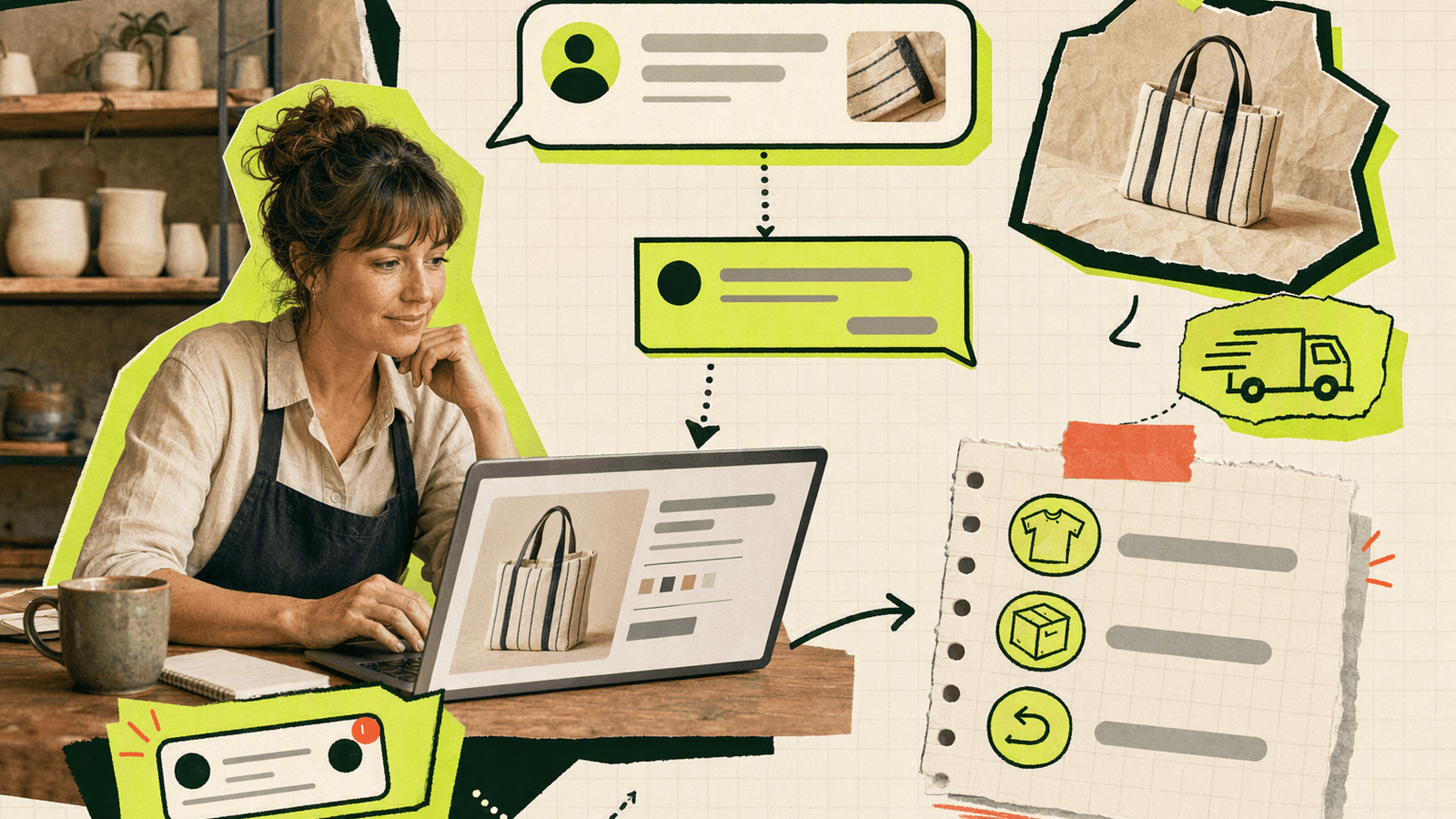
Live chat works best when it removes uncertainty at the exact point of decision.
| Page type | Buyer concern | Useful chat response |
|---|---|---|
| Product page | “Is this the right item?” | Clarify size, compatibility, material, license, stock, or use case |
| Cart page | “Is this total correct?” | Explain discounts, bundles, shipping thresholds, taxes, or delivery timing |
| Checkout page | “Can I trust this?” | Help with payment, address format, delivery options, or order confirmation |
For example, a digital template store might get:
“Does this Notion template work with the free Notion account?”
A fast answer can prevent a bounce and tell you to add the same clarification to the product description.
A small apparel store might see:
“If I order two sizes, can I return one?”
That answer belongs in your returns policy, but live chat captures the sale today. For very small stores, the goal is not to “automate support.” The goal is to learn what buyers care about and reply while they are still on the page.
What Makes Knocket a Strong Fit for WooCommerce
WooCommerce gives you products, cart, checkout, coupons, orders, and payment flow. What many early stores lack is a lightweight human contact layer.
Knocket fits that gap because it offers:
- One-line web widget for WordPress and WooCommerce pages.
- Unified Inbox for conversations from the website widget, Contact Page, Telegram, and email.
- Telegram and email notifications, so you can reply without living in a dashboard.
- No-code Contact Page for shoppers from Instagram, TikTok, newsletters, QR codes, or email signatures.
- 100% free forever, no ads, no seat limits.
- Lightweight script loading with
async, so it does not require npm, a build step, or a WooCommerce-specific plugin.
Start with the widget on every page, then add the shareable Knocket Contact Page to your footer, order confirmation email, and social profile.
If you want to understand the product before installing it, start with the Knocket website, then open the Knocket console when you are ready to create your widget.
How to Add Knocket to a WooCommerce Store
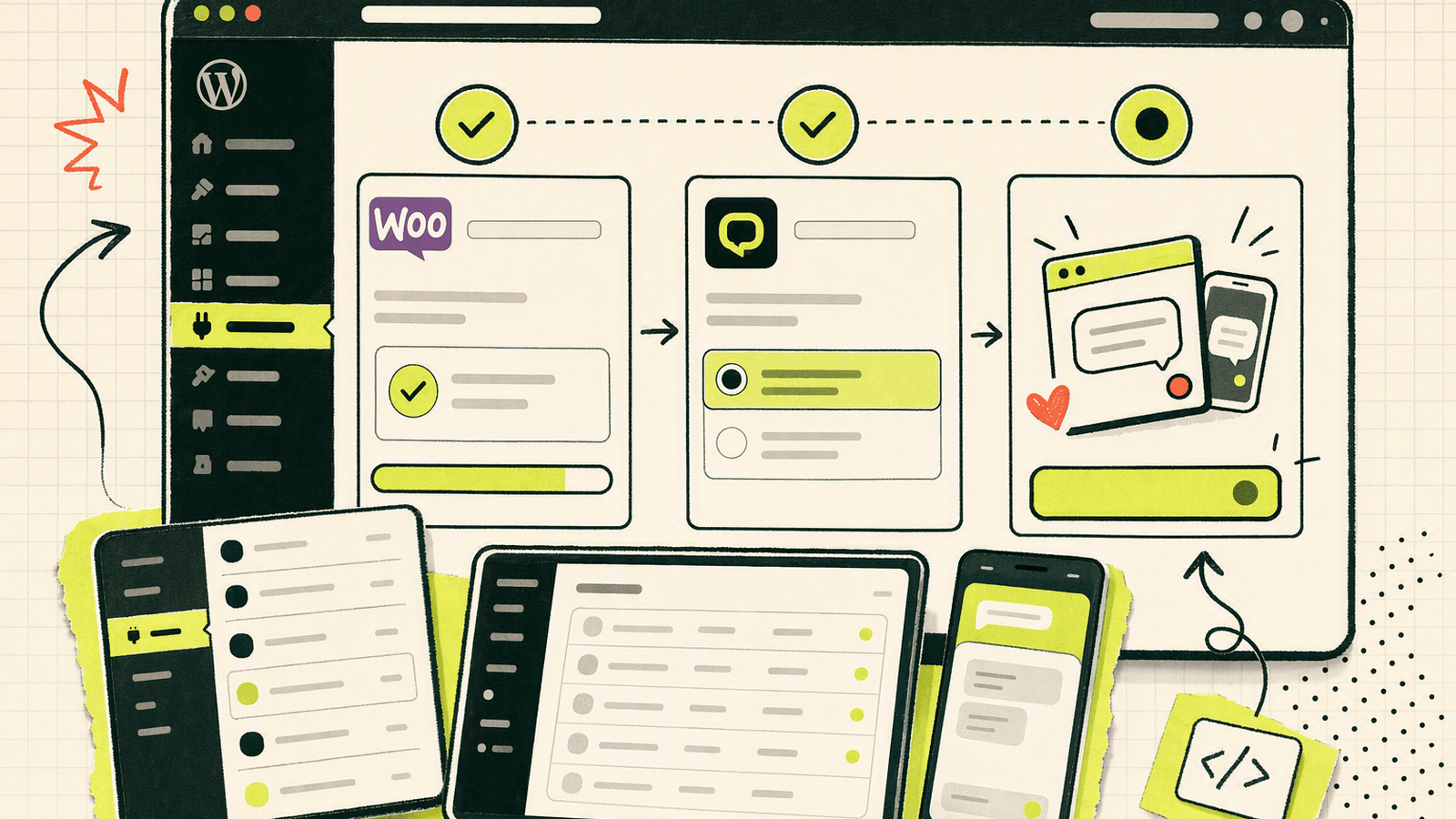
You can add Knocket to WooCommerce the same way you add it to a WordPress site: paste the async script into your site header, or enqueue it from your child theme.
Option A: Paste the script into your WordPress header
Use this route if you prefer no code.
- Create your widget in the Knocket installation panel.
- Copy your full script.
- In WordPress, install a header/footer code plugin, or use your theme’s custom code area if it has one.
- Paste the script before
</head>. - Save and clear any WordPress cache plugin.
- Open a product page in an incognito window and confirm the chat button appears.
Example script:
<!-- Paste before </head> or </body>. Replace YOUR_ID with your console identifier. -->
<script
  src="https://trtc.io/knocket-sdk/sdk.js?identifier=YOUR_ID"
  async>
</script>
Option B: Enqueue the script in a child theme
Use this route if you keep WordPress customization in code.
<?php
add_action('wp_enqueue_scripts', function () {
    wp_enqueue_script(
        'knocket-live-chat',
        'https://trtc.io/knocket-sdk/sdk.js?identifier=YOUR_ID',
        array(),
        null,
        array(
            'strategy'  => 'async',
            'in_footer' => true,
        )
    );
});
Replace YOUR_ID with the identifier from your Knocket console. If your WordPress version does not support the strategy argument, use a header/footer plugin instead of editing core theme files.
Verify the loop
Do not stop after seeing the button. Test the full buyer support path:
- Open a product page as a visitor.
- Send: “Do you ship this item internationally?”
- Confirm you receive the message in Knocket.
- Reply from the Inbox, Telegram, or email notification.
- Confirm the visitor sees the reply in the chat widget.
- Repeat from cart and checkout pages if your theme loads different templates.
If the widget does not appear, check caching, ad blockers, cookie consent settings, and whether your theme actually prints wp_head() or wp_footer().
Best Chat Triggers for Product, Cart, and Checkout Pages
Knocket is intentionally simple, so think of “triggers” as buyer moments and message placement—not complex automation rules.
| Store area | Best prompt | Why it works |
|---|---|---|
| Product page | “Questions about size, compatibility, or shipping? Ask here.” | Matches pre-purchase hesitation |
| Cart page | “Need help before checkout?” | Catches discount, shipping, and quantity questions |
| Checkout page | “Stuck at payment or delivery details? Message us.” | Helps with high-intent blockers |
| Footer | “Contact the founder” or “Ask before you order” | Feels personal for small brands |
| Order confirmation email | Link to your Contact Page | Gives buyers a clear post-purchase contact route |
Avoid aggressive popups. For a small WooCommerce store, trust matters more than interruption. If you sell custom goods, digital licenses, bundles, handmade products, or B2B samples, make the welcome message specific: “Ask about sizing, delivery dates, or custom orders.”
Message Templates for Common WooCommerce Questions
Use templates to reply faster, but keep them human.
Product fit or compatibility
Thanks for asking. This product works best for [use case]. If you are using [device/platform/version], it should be compatible. If you want, send me your setup and I’ll double-check before you order.
Shipping estimate
I can help. Where are you shipping to? If you share your country or ZIP/postal code, I’ll check the available options.
Return policy
Yes, returns are possible under our return policy. The key details are: [condition], [time window], and [who pays return shipping]. If you’re between two sizes/options, tell me what you’re comparing and I’ll help you choose.
Coupon or discount issue
Thanks for flagging it. Please check that the code is entered without spaces and that the cart meets the minimum conditions. If it still fails, send me the code you’re using and I’ll look into it.
Payment trouble
Sorry about that. First, try refreshing checkout and confirming the billing address matches your payment method. If it still fails, tell me the payment option you used—please don’t send card details—and I’ll help troubleshoot.
Save your best answers in a simple document. If the same question appears three times, update the product page or checkout copy.
How to Route Conversations and Manage Support Volume
The simplest routing model for a small WooCommerce store is:
| Conversation type | Best owner | Recommended channel |
|---|---|---|
| Product questions | Founder or product expert | Knocket Inbox or Telegram |
| Shipping questions | Operations owner | Inbox or email |
| Payment issues | Store owner | Inbox, then WooCommerce order admin if needed |
| Wholesale or partnership | Founder | Contact Page plus email |
| Post-purchase help | Store owner | Inbox or email notification |
Knocket’s Unified Inbox helps because live chat, Contact Page, Telegram, and email conversations can land in one place. For a tiny team, that is usually enough.
A practical daily routine:
- Check new messages in the morning.
- Keep Telegram notifications on during active launch or sale periods.
- Reply quickly to checkout blockers.
- Move order-specific work into WooCommerce admin only when needed.
- Add repeated questions to product copy, FAQ blocks, or checkout notes.
If you are running a campaign, put your Knocket Contact Page in the campaign landing page and social bio.
Measuring Revenue Impact from Chat Conversations
Knocket is a contact layer, not an ecommerce analytics suite. For revenue measurement, combine simple store tracking with conversation notes.
| Method | How to use it | Good for |
|---|---|---|
| Manual attribution | Ask “Did chat help you decide?” after purchase | Very small stores |
| Coupon code | Use a chat-only code like CHATHELP |
Campaign tracking |
| WooCommerce order notes | Add “Asked via chat before purchase” to relevant orders | Founder-led stores |
| GA4 events | Track widget button clicks separately if your site setup allows it | Traffic analysis |
| Product page edits | Record repeated questions and monitor conversion after copy changes | Improving product pages |
Use WooCommerce’s own analytics for orders and revenue, and Google Analytics 4 if you already have it installed. Official references:
- WooCommerce Analytics overview: https://woocommerce.com/document/woocommerce-analytics/
- Google Analytics ecommerce measurement documentation: https://developers.google.com/analytics/devguides/collection/ga4/ecommerce
- WordPress plugin handbook for adding scripts correctly: https://developer.wordpress.org/plugins/hooks/
Do not overcomplicate attribution. If five buyers ask about shipping this week and three place orders after your reply, that is already useful evidence. The bigger win is product insight: chat tells you what your WooCommerce pages failed to explain.
WooCommerce Chat Setup Checklist
Use this checklist before launching chat publicly.
Widget setup
- Created a Knocket widget in the Knocket console.
- Copied the correct identifier from installation settings.
- Installed the async script site-wide.
- Confirmed it loads on product, cart, checkout, and mobile pages.
- Cleared WordPress cache and CDN cache.
Store messaging
- Welcome message mentions product, shipping, sizing, compatibility, or checkout help.
- Offline message sets realistic expectations.
- Footer or contact page links point to a real contact route.
- Repeated answers are saved as templates.
Notification flow
- Inbox checked daily.
- Telegram or email notifications enabled for active sales periods.
- Replies tested from the same channel where you expect to work.
- Sensitive payment details are never requested in chat.
Buyer experience
- Chat button does not block add-to-cart buttons on mobile.
- Checkout remains usable.
- Product page copy is updated when repeated questions appear.
- Contact Page is linked from social bio, email signature, or post-purchase emails.
FAQ
What is the best WooCommerce live chat option for a small store?
For an early WooCommerce store, the best option is usually the one you will actually answer. Knocket is a strong fit if you want a lightweight widget, Contact Page, unified Inbox, Telegram/email notifications, and no seat-based cost.
Does Knocket require a WooCommerce plugin?
No. Knocket can be added with an async script from the console. You can paste it through a WordPress header plugin or enqueue it in a child theme.
Can I use Knocket on product and checkout pages?
Yes. If the script is installed site-wide, the widget can appear across WooCommerce product, cart, and checkout pages. Always test your own theme because checkout templates and caching plugins vary.
Is Knocket a CRM or helpdesk?
No. Knocket is a lightweight contact tool for indie developers, founders, and small ecommerce teams. It is not a CRM, helpdesk, enterprise customer-service suite, or Intercom replacement.
Can customers message me after leaving the store?
Yes. Use a Knocket Contact Page as a shareable contact link in your footer, social bio, order emails, QR codes, or newsletter. It gives buyers a no-code way to reach you outside the storefront.
Is Knocket really free for WooCommerce stores?
Yes. Knocket is 100% free forever, with no ads and no seat limits.
How should I handle payment details in live chat?
Never ask buyers to send card numbers, passwords, or sensitive payment data in chat. Use chat to guide them through safe checkout steps, then handle order-specific details inside WooCommerce or your payment provider dashboard.
Add Knocket to your WooCommerce store and catch buyer questions before they become abandoned carts: https://knocket.trtc.io/