
TL;DR
A good chat widget for website visitors should be quick to install, easy to notice, and connected to a place you already monitor. Early-stage founders rarely need ticket queues, complex automation, or a full CRM. They need a lightweight contact widget that captures messages, sends notifications, and preserves reply context.
Prioritize:
- Installation with one asynchronous script
- Offline message support
- Reliable notifications
- Replies connected across the widget, email, and Telegram
- Pricing that does not increase with every inbox user
Knocket provides a website widget, Contact Page, and unified inbox that are 100% free forever, with no ads or seat limits.
What Is a Website Chat Widget?
A website chat widget is a small contact interface embedded into a webpage. It usually appears as a floating button that opens a conversation panel.
A typical website live chat widget has three parts:
- Launcher: The floating button visitors see
- Conversation panel: Where visitors write and read messages
- Owner inbox: Where the founder receives and answers messages
The widget is only the visible layer. Notification delivery and reply routing matter just as much. Unlike a conventional one-way contact form, embedded website chat keeps a conversation available for follow-up.
What Early-Stage Websites Actually Need from a Chat Widget
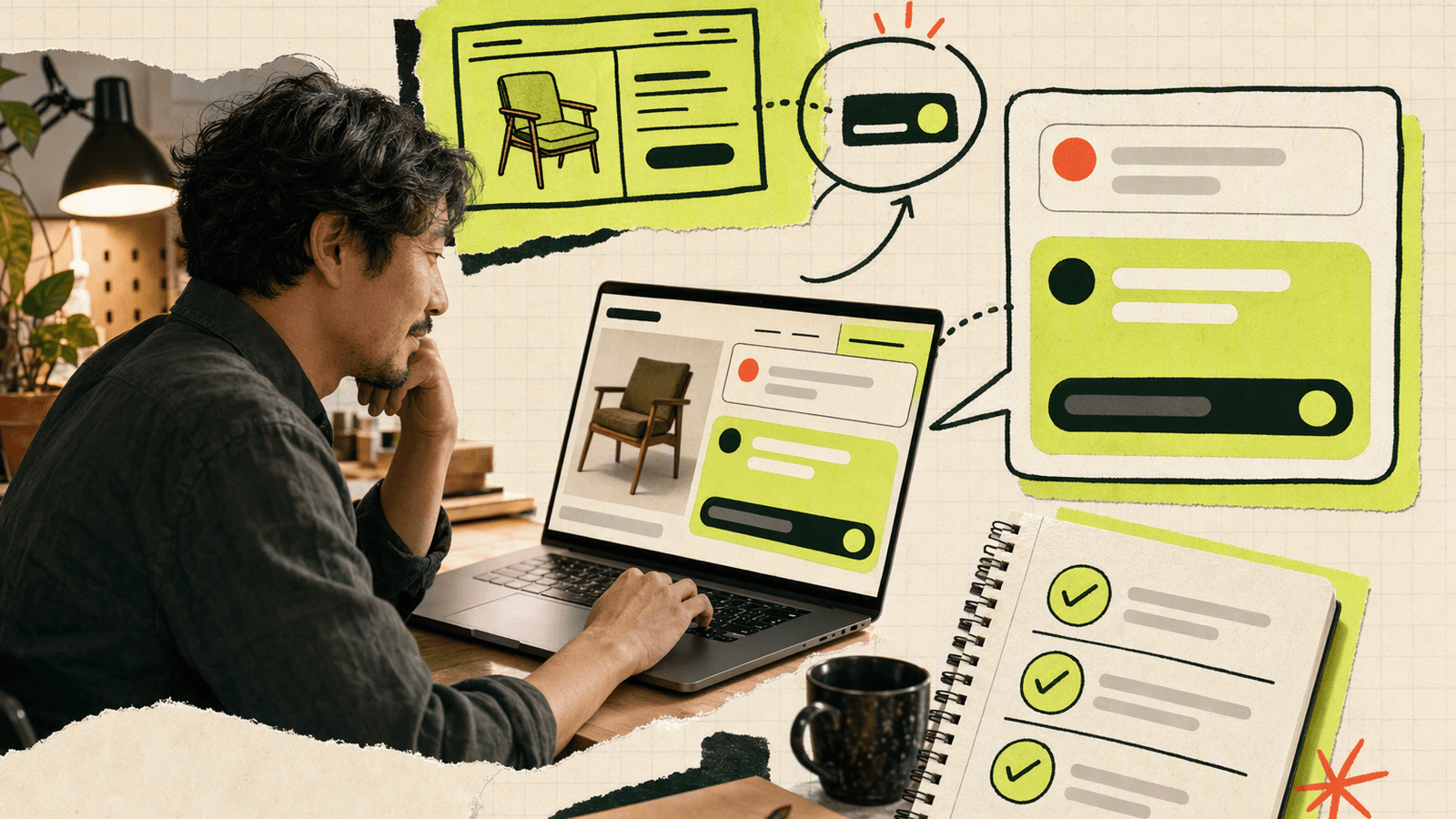
An early-stage contact workflow should keep the founder close to the conversation instead of introducing another operational system.
For a founder seeking the first 100 users, a website chat widget should reduce the distance between interest and conversation. Visitors may ask whether an integration exists, whether a workflow is possible, or whether the product is maintained. A direct answer can turn uncertainty into useful feedback or a sale.
That workflow requires:
- A visible but unobtrusive contact entry point
- Clear welcome and offline messages
- Fast notifications
- Replies connected to the original conversation
- A shared view for multiple founders
It does not automatically require lead scoring, routing rules, ticket states, or an automation builder. Those features can add configuration work before message volume justifies them.
If you do not have a website, publish a no-code Knocket Contact Page and share its URL in a social bio, email signature, beta invitation, or QR code.
Website Chat Widget Features to Prioritize
| Priority | What to inspect | Why it matters |
|---|---|---|
| Installation | One script tag, no npm dependency | Reduces maintenance |
| Performance | Asynchronous loading | Avoids blocking HTML parsing |
| Notifications | Browser, Telegram, or email | Prevents missed messages |
| Reply routing | Replies return to the visitor | Preserves context |
| Offline behavior | Configurable message | Sets expectations |
| Appearance | Color, avatar, language, text | Fits the website |
| Pricing | Seats, branding, limits | Prevents surprise costs |
| Other entry points | Contact page or mobile embed | Reuses the contact flow |
The HTML async attribute lets an external script download without blocking parsing, as explained by MDN Web Docs. Google’s third-party JavaScript guidance recommends measuring third-party code rather than assuming it has no effect. Test widgets on a production-like page, not only an empty demo.
Free and Paid Widget Options Compared
“Free” can mean a limited tier, while other products monetize add-ons or services. Knocket’s core contact platform is 100% free forever, without ads or seat limits.
| Option | Pricing approach | Best fit | Consider |
|---|---|---|---|
| Knocket | 100% free forever | Indie developers and early teams | Lightweight rather than a CRM |
| tawk.to | Free core with paid add-ons | Teams wanting mature live chat | Branding and optional service costs |
| Crisp | Free and paid tiers | Growing teams | Advanced features require paid tiers |
| Tidio | Free access plus paid plans | Chat, automation, and AI use cases | Limits vary by plan |
Verify current terms on the official tawk.to, Crisp, and Tidio pricing pages.
If you need automation, assignment rules, and formal service workflows, compare broader platforms. If you mainly need visitors to reach the product builder, lighter software usually creates less overhead. Review the Knocket contact options before choosing.
How Knocket Connects a Widget to a Unified Inbox
Knocket keeps the flow linear: visitor message, notification, founder reply, and delivery back to the original conversation.
Knocket sends conversations from its Web Widget, Mobile Widget, and Contact Page to one inbox. Telegram and email can also be connected. With Telegram notifications enabled, a live chat message can be forwarded to Telegram; a quoted reply is routed back to the visitor.
A simple setup is:
- Add the Web Widget to the product site.
- Create a Contact Page for profiles and email signatures.
- Connect Telegram or email notifications.
- Manage conversations through the unified inbox.
- Reply from the inbox or a supported notification flow.
Use the Knocket console to configure contact channels before installation.
How to Install a Chat Widget Without npm or Build Tools
Knocket uses one asynchronous script, with no npm package or bundler configuration.
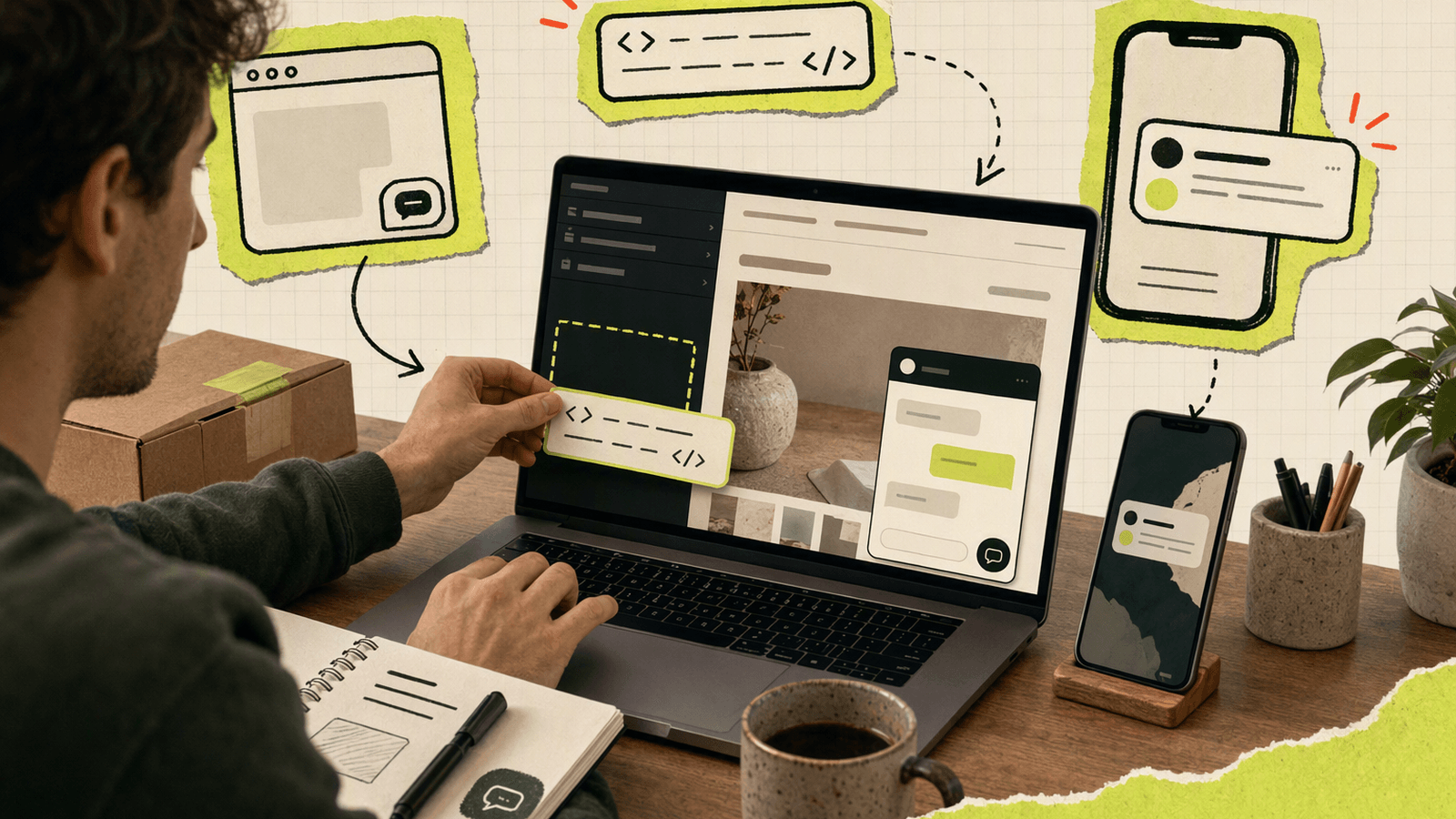
Open the Knocket installation page, copy the complete snippet containing your identifier, and paste it before </head> or </body>:
<!-- Replace YOUR_ID with the identifier from your console -->
<script
  src="https://trtc.io/knocket-sdk/sdk.js?identifier=YOUR_ID"
  async>
</script>
Common locations include:
- WordPress:
header.phpor a header-code plugin - Shopify:
theme.liquid - Webflow: Project Settings → Custom Code
- Framer: Site Settings → Code
- Ghost: Code Injection
- Wix: Settings → Custom Code
- Squarespace: Settings → Advanced → Code Injection
- Astro: The layout component’s
<head>
Shopify recommends duplicating a theme before editing code in its official theme editing guide. Test the published page, not only the editor preview.
How to Test Messages, Notifications, and Replies
A complete test proves that a message can make a round trip:
- Open the published site in a private window.
- Check that the launcher does not cover navigation, cookie controls, or checkout buttons.
- Send a distinctive test message.
- Confirm it appears in the Knocket Inbox.
- Verify the Telegram or email notification.
- Reply from the inbox.
- Confirm the visitor receives the reply.
- Repeat with the console closed.
- Test a real phone and narrow viewport.
- Reload and confirm the widget initializes once.
If it fails, inspect the browser Network and Console panels for a blocked script, incorrect identifier, Content Security Policy violation, or duplicate installation. The installation workspace provides your complete script.
Common Chat Widget Installation Mistakes
Testing only while logged in
Admin sessions, caches, and extensions can hide visitor-side problems. Test privately.
Copying a placeholder identifier
YOUR_ID is not functional. Copy the generated snippet from the console.
Installing the script twice
Theme and tag-manager installations can create duplicate launchers. Search the rendered source for knocket-sdk and keep one copy.
Blocking the script with CSP
A strict Content Security Policy may reject external resources. Check the console and update the relevant policy rather than disabling CSP.
Ignoring mobile placement
Floating buttons can overlap navigation, cookie banners, or purchase controls. Test common viewport sizes.
Treating visibility as a completed test
A visible launcher proves only that it rendered. Send a message, receive a notification, reply, and verify delivery.
FAQ
What is the best chat widget for a small website?
Choose one that matches your message volume and workflow. Small sites usually benefit most from easy installation, reliable notifications, offline messaging, and simple replies.
Can I add a chat widget without npm?
Yes. A script-based widget can be installed in the page head or body. Knocket uses one asynchronous script without npm or a build tool.
Is Knocket a free chat widget for website owners?
Yes. Knocket is 100% free forever, with no ads or seat limits. It includes the Web Widget, Contact Page, and unified inbox.
Will a website chat widget slow down my site?
Any third-party script can affect performance. Use asynchronous loading, avoid duplicate installations, and test the published page with browser performance tools.
What if I do not have a website yet?
Use a Contact Page. It provides a shareable URL for live chat and configured contact links.
Can I use the same contact experience inside a mobile app?
Yes. Knocket’s Mobile Widget can be embedded through a WebView in iOS, Android, React Native, or Flutter. It is a WebView-based integration, not a native SDK.
Where should website messages be answered?
Answer them in the Knocket unified inbox. With the relevant setup, Telegram can also deliver notifications and route quoted replies back to visitors.
Ready to catch the next visitor who wants to talk? Try Knocket free forever.