

TL;DR: the best Zendesk alternative depends on your stage
If you are still looking for your first 100 users, you probably do not need a full helpdesk yet. Zendesk is powerful when you have agents, queues, SLAs, macros, reporting, and support operations. Early-stage founders usually need something simpler: a way for visitors, beta users, and prospects to reach a real human quickly.
Information checked: August 14, 2026. Pricing and plan limits change often, so verify each provider’s official pricing page before buying.
| Best fit | Pick | Why |
|---|---|---|
| Free contact layer for indie products | Knocket | 100% free forever, no ads, no seat limits, one-line widget, Contact Page, Unified Inbox |
| Free website chat with optional add-ons | Tawk.to | Mature free live chat model; paid add-ons for operations and branding |
| Small team shared inbox + chat | Crisp | Polished messaging product with website inbox workflows |
| Marketing chat and automations | Tidio | Good fit when ecommerce-style automations matter |
| Lower-cost traditional helpdesk | Freshdesk | Closest Zendesk-style ticketing alternative in this list |
| Paid live chat team operations | LiveChat | Strong chat tooling, agent workflow, and reporting |
| Mature support operations | Zendesk | Best when you actually need ticketing depth, admin controls, and ecosystem |
For founders who want a lightweight alternative before they need a helpdesk, start with Knocket’s free contact widget and Contact Page, not a ticketing suite.
Why founders look for Zendesk alternatives before they need a helpdesk

Most “Zendesk alternatives” articles assume you already run a support team. That is not always true.
A solo founder with a new SaaS landing page usually has a different problem:
- A visitor asks, “Does this integrate with my stack?”
- A beta user reports a bug.
- A potential customer wants a demo.
- Someone from GitHub wants to contact the maintainer.
- A waitlist subscriber asks when invites open.
Those conversations do not need ticket routing, escalation policies, call center workflows, or workforce management. They need speed and visibility. If a message disappears into a generic contact form, you may lose a user you worked hard to attract.
Zendesk’s own product family is built for customer service operations. Its official pricing pages describe support plans, suite plans, AI, workforce tools, and add-ons across a broad service platform. See the official Zendesk pricing page for current plan details: https://www.zendesk.com/pricing/.
The common early-stage reasons to compare alternatives to Zendesk are practical:
- Setup overhead: configuring ticket fields, triggers, views, macros, and routing is too much when one founder handles every message.
- Seat-based pricing: even modest per-agent pricing feels premature before support is a real function.
- Feature mismatch: startups often need live chat, a shareable contact link, and notifications more than full ticket lifecycle management.
- Low message volume: ten important conversations per week do not require the same system as thousands of monthly tickets.
- Founder-led learning: early conversations are product discovery, not just support.
That is why this comparison separates two categories: contact tools for early user conversations and helpdesks for support operations.
What to look for in a Zendesk alternative for an early-stage product
Before choosing from the best Zendesk alternatives, define the job you need done.
1. Time to first message
A good early-stage contact tool should be live in minutes. If you need a long onboarding checklist before a visitor can talk to you, the tool is already heavier than your stage.
For a website, the ideal setup is a single async script:
<!-- Paste before </head> or </body>. Replace YOUR_ID from the Knocket console. -->
<script
  src="https://trtc.io/knocket-sdk/sdk.js?identifier=YOUR_ID"
  async>
</script>
You can get the full installation code from the Knocket widget installation console.
2. Conversation capture across surfaces
Early products are scattered. You may have:
- a landing page;
- a docs site;
- a GitHub README;
- a waitlist;
- a mobile app;
- a social bio;
- an email signature.
A Zendesk-style helpdesk usually starts from tickets. A founder-friendly contact layer should support both an embedded widget and a link you can share anywhere.
3. Notifications you will actually see
If you do not sit in a support dashboard all day, notifications matter more than routing rules. For indie founders, Telegram and email notifications are often more useful than a complex agent queue.
4. Pricing that does not punish experiments
Many startups launch side projects, waitlists, and test landing pages before revenue. A good early-stage tool should not force you to calculate seats, add-ons, or monthly minimums before you know whether the product will work.
5. Honest upgrade path
Eventually, you may outgrow a lightweight contact tool. That is fine. The right question is not “Can this replace Zendesk forever?” It is “Does this match the next 90 days?”

Quick comparison table: Knocket, Tawk.to, Crisp, Tidio, Freshdesk, LiveChat, and Zendesk
This table focuses on early-stage usefulness, not enterprise support depth.
| Product | Category | Free option | Pricing model | Best for | Main tradeoff | Official source |
|---|---|---|---|---|---|---|
| Knocket | Lightweight contact tool | Yes: 100% free forever | No paid tier, no ads, no seat limits | Indie founders, landing pages, contact pages, early conversations | Not a CRM or helpdesk | Knocket homepage |
| Tawk.to | Live chat widget | Yes | Free core chat; paid add-ons may apply | Free website chat | More operations-focused than a simple contact page | Tawk.to pricing |
| Crisp | Messaging inbox | Check current plan | Paid workspace plans | Small teams wanting polished chat inbox | Some features may sit behind paid plans | Crisp pricing |
| Tidio | Chat + automation | Check current plan | Paid plans and automation limits vary | Ecommerce-style chat and automation | Can be more marketing automation than founder contact | Tidio pricing |
| Freshdesk | Helpdesk | Check current plan | Per-agent plans | Teams wanting Zendesk-like ticketing | More setup than a lightweight contact layer | Freshdesk pricing |
| LiveChat | Live chat platform | Trial, verify current terms | Per-agent paid plans | Dedicated chat teams | Paid from early usage; not contact-page-first | LiveChat pricing |
| Zendesk | Helpdesk / service suite | Trial, verify current terms | Per-agent plans and add-ons | Mature support teams | Overpowered before support operations exist | Zendesk pricing |
Knocket: a 100% free contact widget, contact page, and unified inbox for early user conversations
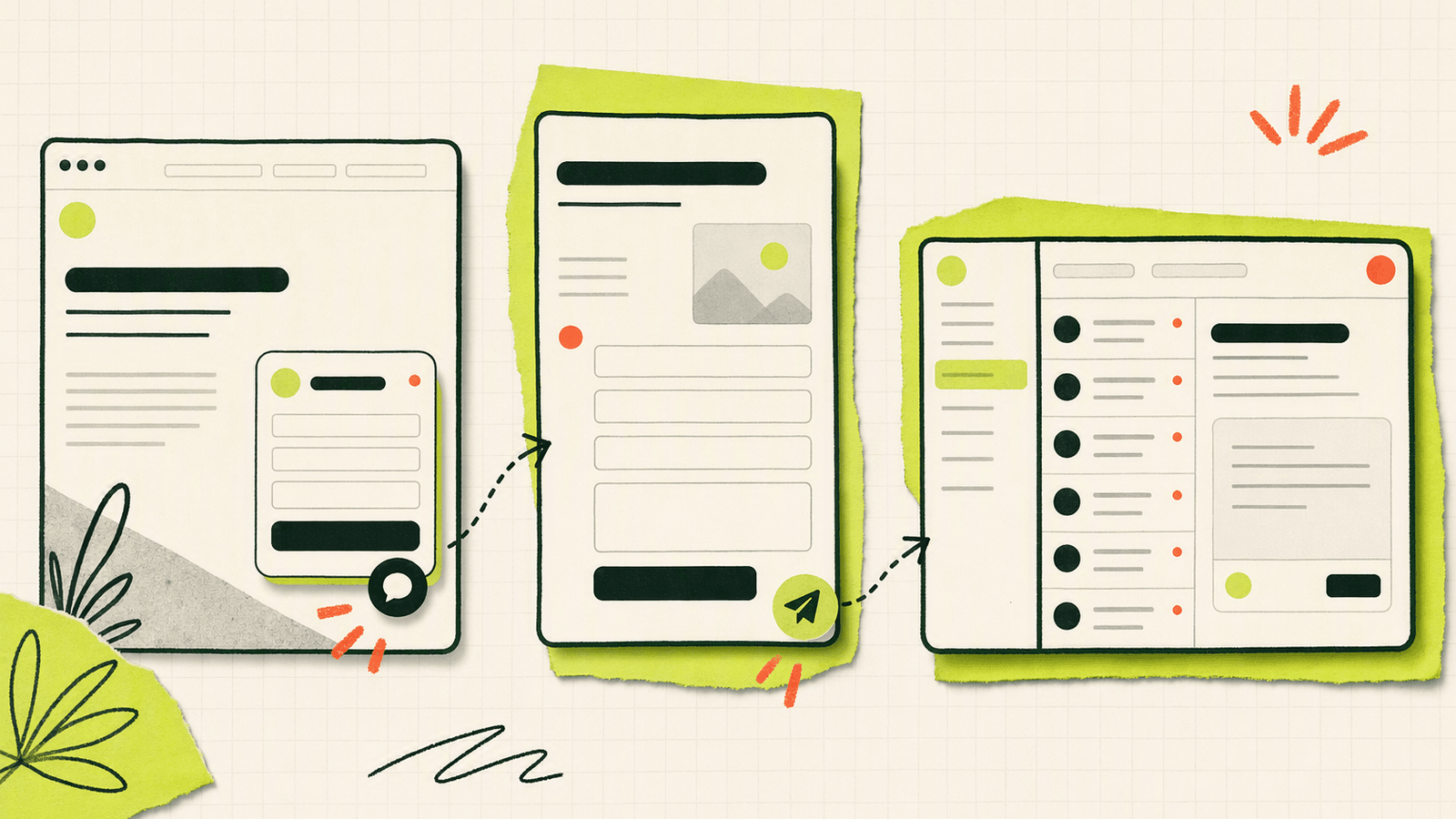
Knocket is the lightest option in this comparison because it is not trying to be a CRM, an enterprise helpdesk, or an Intercom replacement. It is a free contact layer for founders who need to catch every serious message while the product is still young.
What Knocket includes
Knocket gives early teams three practical surfaces:
Web Widget
Add live chat to a website with one script. It works on sites that allow custom code, including WordPress, Shopify, Webflow, Framer, Carrd, Ghost, Wix, Squarespace, Next.js, Astro, and Nuxt.Contact Page
Create a no-code, shareable page with live chat plus social links, website, email, phone, and blog links. Use it in a social bio, GitHub README, email signature, QR code, or waitlist page. Start from the Knocket Contact Page console.Unified Inbox
Messages from website chat, app chat, Contact Page, Telegram, and email can land in one Knocket Inbox. You can reply from the inbox, and messages go back through the original channel.
Knocket also supports Telegram and email notifications. If you are not sitting in the console, Telegram can notify you about live chat messages, and you can reply back through the conversation flow.
Where Knocket fits
Knocket is best when the founder is still close to every customer conversation:
- “Can you add this integration?”
- “I found a bug.”
- “Is there a self-hosted version?”
- “Can I try the beta?”
- “Do you support mobile?”
These are not just support tickets. They are product signals.
Use Knocket’s website contact widget when you want visitors to talk to you from a landing page. Use Knocket Contact Page publishing when you need a shareable contact link without building a site. Use Knocket installation settings when you want the widget inside a website or app WebView.
What Knocket is not
Knocket is not the right tool if you need:
- SLA tracking;
- ticket queues;
- agent collision rules;
- call center operations;
- enterprise reporting;
- CRM pipelines;
- complex automation.
That is the point. Early founders often do not need those yet.
Feature comparison: live chat, contact pages, email and Telegram notifications, inbox workflow, and setup time
Zendesk alternatives often look similar on a feature grid, but the implementation burden differs a lot.
| Feature | Knocket | Tawk.to | Crisp | Tidio | Freshdesk | LiveChat | Zendesk |
|---|---|---|---|---|---|---|---|
| Website live chat | Yes | Yes | Yes | Yes | Yes, depending setup | Yes | Yes, via messaging/chat products |
| No-code contact page | Yes | Not core positioning | Not core positioning | Not core positioning | No | No | No |
| Unified inbox for early channels | Yes | Yes, chat-oriented | Yes | Yes | Ticket inbox | Chat inbox | Full support workspace |
| Telegram notifications | Yes | Verify current integrations | Verify | Verify | Usually via integrations/workarounds | Verify | Usually via integrations/workflows |
| Email notifications | Yes | Yes | Yes | Yes | Yes | Yes | Yes |
| Mobile app entry | WebView | SDK/widget options vary | SDK/widget options vary | SDK/widget options vary | App support workflows | SDK/widget options vary | SDK/widget options vary |
| Setup time for founder | Minutes | Minutes to hours | Hours | Hours | Hours to days | Hours | Days to weeks if fully configured |
| Best workflow | Founder replies directly | Chat operator workflow | Team inbox | Chat + automation | Ticket management | Chat team management | Support operations |
Live chat
Tawk.to, Crisp, Tidio, LiveChat, Zendesk, and Knocket all cover some form of website chat. The difference is what happens after the message arrives.
Knocket keeps the workflow intentionally small: visitor sends a message, founder gets notified, founder replies. That makes it useful for founder-led sales, beta feedback, and user discovery.
Contact pages
This is where Knocket differs from most Zendesk free alternatives. A Contact Page is useful when you do not want to build a full website or embed a widget.
Examples:
- “Contact the maintainer” link in a GitHub README.
- “Ask for beta access” link in a launch post.
- “Book a demo” link in a founder’s social bio.
- “Send feedback” link inside a mobile app.
- “Partnership inquiries” link in an email signature.
You can create one from the Knocket no-code Contact Page dashboard.
Inbox workflow
Freshdesk and Zendesk are built around tickets. That is great when you need ownership, status, categorization, escalation, and reporting. It is extra weight when every conversation goes to one founder.
Knocket’s Unified Inbox is closer to a contact hub. Website, app, Contact Page, Telegram, and email conversations can be handled from one place without forcing every message into a support process.

Pricing comparison: free tools, paid seats, and feature gates
Pricing is one of the biggest reasons founders search for “free Zendesk alternatives” or compare Freshdesk vs Zendesk pricing.
The problem: support software pricing is rarely just the base monthly number. You need to check:
- seats or agent count;
- annual vs monthly billing;
- chat availability;
- automation limits;
- AI add-ons;
- branding removal;
- reporting tiers;
- integrations;
- usage-based AI or conversation charges.
Zendesk pricing comparison
Zendesk publishes current prices on its official pricing page: https://www.zendesk.com/pricing/.
Competitor research commonly highlights Zendesk’s per-agent structure and suite packaging. Enjo’s 2026 comparison cites Zendesk Support Team at $19/agent/month, Suite Team at $55/agent/month, Suite Professional at $115/agent/month, and Copilot as a separate $50/agent/month add-on when billed annually. Because pricing changes, treat those as checked research values and verify the live Zendesk page before purchasing.
For a five-person team, even low per-agent pricing becomes a recurring decision. For a solo founder, the bigger issue is not just cost. It is whether you need the operational model at all.
Freshdesk vs Zendesk pricing
Freshdesk is often considered a more affordable Zendesk alternative because it follows a familiar helpdesk model with ticketing, knowledge base, automation, and reporting. Competitor research cites Freshdesk Growth at $19/agent/month, which matches Zendesk’s entry support price in that source, while the overall package and add-ons differ. Verify on the official Freshdesk page: https://www.freshworks.com/freshdesk/pricing/.
If your search is specifically “zendesk vs freshdesk pricing,” ask three questions:
- Do you need ticketing now?
- How many people will actually answer users?
- Which features are gated above the entry tier?
Freshdesk may be the better Zendesk alternative when you want a conventional helpdesk at a lower or more comfortable operational footprint. It is still a helpdesk, not a lightweight contact page.
Free Zendesk alternatives
“Free” can mean very different things:
| Tool | Free meaning |
|---|---|
| Knocket | 100% free forever, no ads, no seat limits |
| Tawk.to | Free core live chat; verify paid add-ons such as branding or managed services |
| Freshdesk | May offer limited free entry depending on current plan; verify official pricing |
| Crisp | Check current free or trial limits on official pricing |
| Tidio | Check current free or trial limits, especially automation and conversation limits |
| LiveChat | Typically paid live chat with trial terms; verify current pricing |
| Zendesk | Trial terms vary; production use usually paid by agent/plan |
Knocket’s pricing is deliberately simple: 100% free forever, with no ads and no seat limits.
Migration guide: moving from a complex support stack to a lightweight contact layer
If you already installed Zendesk, Freshdesk, or a heavier chat suite before you had real volume, you do not need to “migrate” everything on day one. You can move only the early-stage contact surfaces.
Step 1: map your current inbound paths
List every place a user can contact you:
- website chat;
- contact form;
- support email;
- social bio;
- docs site;
- GitHub project;
- mobile app help screen;
- waitlist form.
Then mark which ones produce real conversations. Most early products discover that two or three surfaces matter.
Step 2: keep historical tickets where they are
Do not spend a weekend exporting old data unless you need it. If Zendesk or Freshdesk contains past tickets, leave them as an archive while new founder-led conversations move to a lighter contact layer.
Step 3: replace forms with conversation links
A contact form creates a delay. A Contact Page creates a live path.
Good replacements:
- “Contact us” button → Knocket Contact Page.
- “Request access” form → Contact Page with live chat.
- GitHub maintainer email → Contact Page link.
- In-app feedback form → Mobile Widget via WebView.
Mobile integration should be described as WebView embedding, not a native SDK. For example, your app can open your Knocket page in a WebView and let the user message you without leaving the app. Get the correct URL from your Knocket installation page.
Step 4: turn on notifications
A lightweight tool only works if you see the message. Connect Telegram and email notifications so you can reply while building, debugging, or shipping.
Step 5: define the point where you need a helpdesk
You should move to a full helpdesk when you need:
- multiple agents with assignments;
- repeatable support macros;
- ticket statuses and SLA rules;
- knowledge base analytics;
- management reporting;
- integrations with CRM or ecommerce operations.
Until then, use the smallest tool that keeps you close to users.
Best choice by use case: SaaS landing page, indie app, waitlist, open-source project, and solo business
SaaS landing page
Pick Knocket if your page needs one clear “talk to the founder” path. Add the widget to the landing page and publish a Contact Page for social profiles.
Pick Crisp or Tidio if you also want more marketing-style messaging workflows and are comfortable checking feature gates.
Pick Zendesk only if the landing page is attached to an existing support organization.
Indie mobile app
Pick Knocket if you want a simple in-app feedback or contact screen through WebView. This works well for beta apps where the founder personally replies.
Pick Freshdesk if feedback is already becoming structured support with statuses, categories, and a team queue.
Waitlist or coming-soon page
Pick Knocket Contact Page when you need a no-code page people can open from launch posts, social bios, newsletters, or QR codes.
A traditional helpdesk is usually too much for waitlists. You need questions, objections, and signals, not tickets.
Open-source project
Pick Knocket if you maintain a project and want a contact link that is separate from GitHub issues. Issues are good for bugs and feature requests. A contact page is better for sponsorship, security discussions, consulting, or private questions.
Use Tawk.to if the project has a documentation site and you want a free live chat widget with a more classic chat operator model.
Solo business or freelancer
Pick Knocket if you want one public contact link plus a website widget. It can replace scattered “email me / DM me / fill this form” paths with one simple contact layer.
Pick LiveChat if live chat is a core sales channel and you want paid chat team features, reporting, and agent workflows.
FAQ
What is the best Zendesk alternative for an early-stage startup?
For a startup still looking for its first 100 users, Knocket is often the best lightweight option because it gives you a free website widget, Contact Page, Unified Inbox, and Telegram/email notifications without introducing a full helpdesk workflow.
Are there free Zendesk alternatives?
Yes. Knocket is 100% free forever with no ads and no seat limits. Tawk.to also offers a free live chat model, though some operational add-ons may be paid. Freshdesk, Crisp, and Tidio may offer free or trial options depending on their current pricing pages.
Is Knocket a Zendesk replacement?
No. Knocket is not a CRM, helpdesk, or enterprise customer-service suite. It is a lightweight contact tool for early conversations. If you need ticket queues, SLAs, macros, and support reporting, Zendesk or Freshdesk may be a better fit.
How does Freshdesk vs Zendesk pricing compare?
Both use per-agent pricing models for helpdesk workflows, and competitor research has cited entry-level pricing around $19/agent/month for comparable starting tiers. The real comparison depends on included features, AI add-ons, reporting, automation, and annual billing. Always verify Freshdesk and Zendesk official pricing pages.
When should a startup move from Knocket to Zendesk or Freshdesk?
Move when support becomes a team function: multiple agents, assignments, ticket statuses, SLAs, knowledge base operations, reporting, and integrations. Before that, a lightweight contact layer usually keeps you closer to users with less setup.
Can I use Knocket without a website?
Yes. Knocket’s Contact Page is no-code and shareable. You can put it in a social bio, GitHub README, email signature, launch post, QR code, or waitlist announcement.
Does Knocket support mobile apps?
Yes, through a Mobile Widget approach using WebView. You can open a Knocket page inside an iOS, Android, React Native, or Flutter app. It is not a native SDK.
If you want a simple way to catch early user conversations before you need a helpdesk, try Knocket.